Hey hawkeye,
let me try to shed some light on that. The logik of a “file/image” column is like this:
- SeaTable stores files/images in a separate location. In fact, a seafile server is taking the responsibility to store the data.
- in the columns of the base, you only point to this file.
Therefore, if you want to copy a file/image column, you don’t have to upload a file again, you simply point to the file. Here is how you can do it:
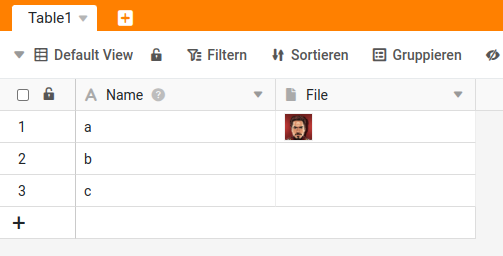
Starting point
n8n workflow


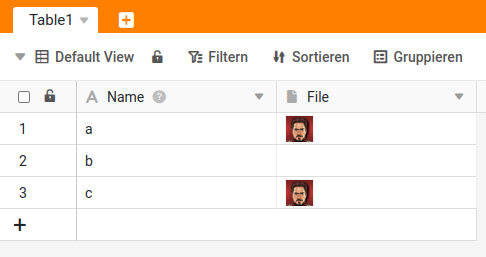
After execution
Explanation
As you can see, I take the content of the “file-column” and use it to update another file-column.
Best regards
Christoph
