Hi,
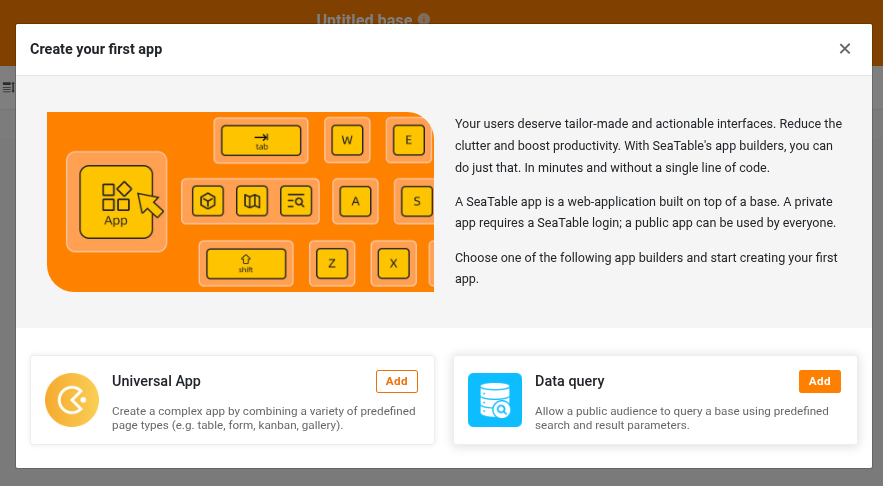
I am using SeaTable Cloud with the Free plan and have created a Universal App.
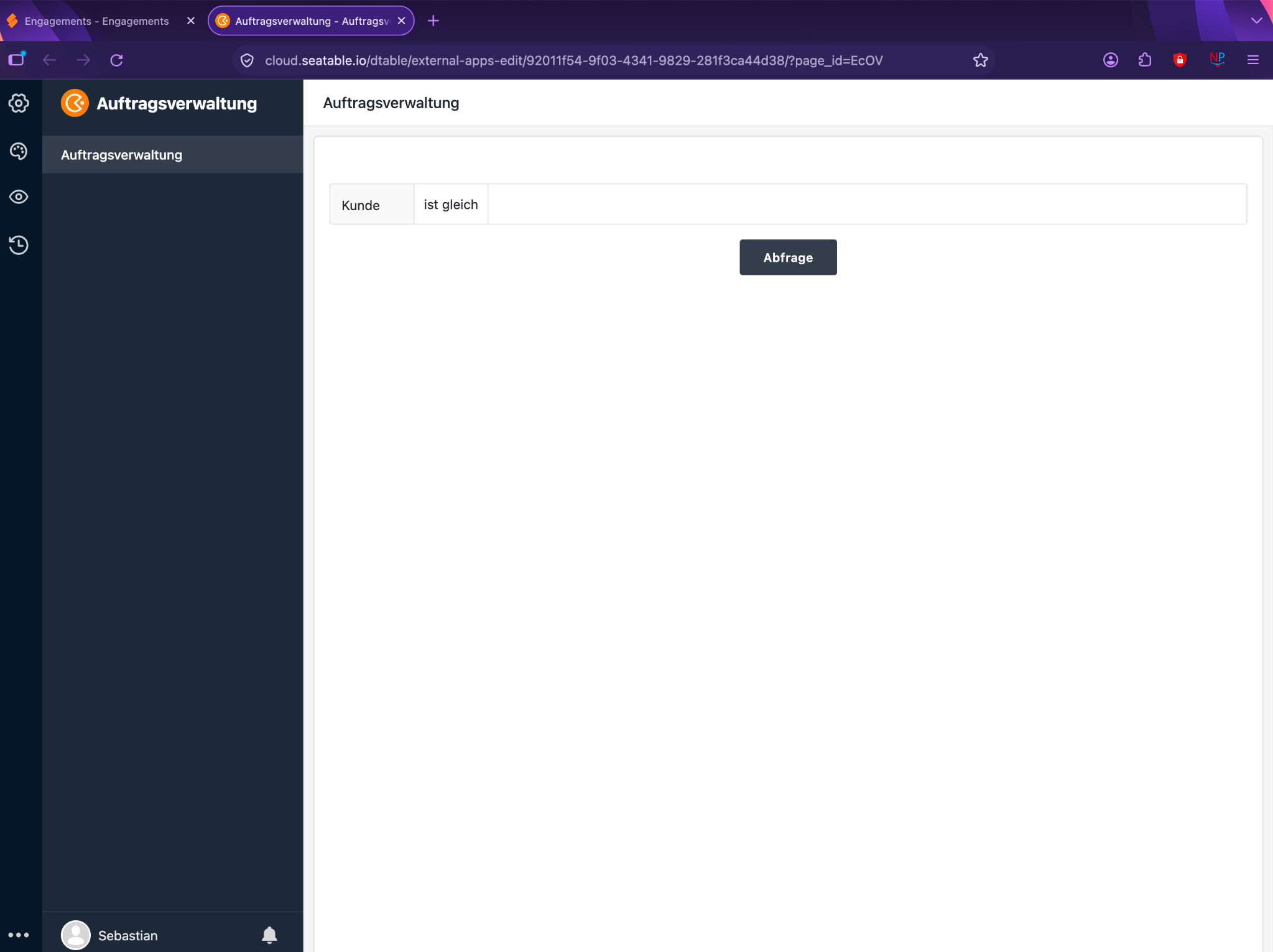
According to the SeaTable documentation, the Universal App Builder should have an orange “+” button in the upper-left area to add additional pages, folders or links.
However, this button is completely missing in my App Builder. The app currently contains one page only. I can edit this page and its settings, as well as the general app settings, but I cannot find any way to add another page.
I have tested this with both Safari and Firefox on macOS, with exactly the same result.
Is adding multiple pages restricted in the Free plan, has the UI changed, or am I missing something?
Thanks!