After a lot of trial and error, we have reached a few conclusions regarding automations that we’d like to verify:
We have noted from the topic Automation does not trigger other automation that we cannot use changes made by one automation to trigger another one. That was an older post, so is this still true?
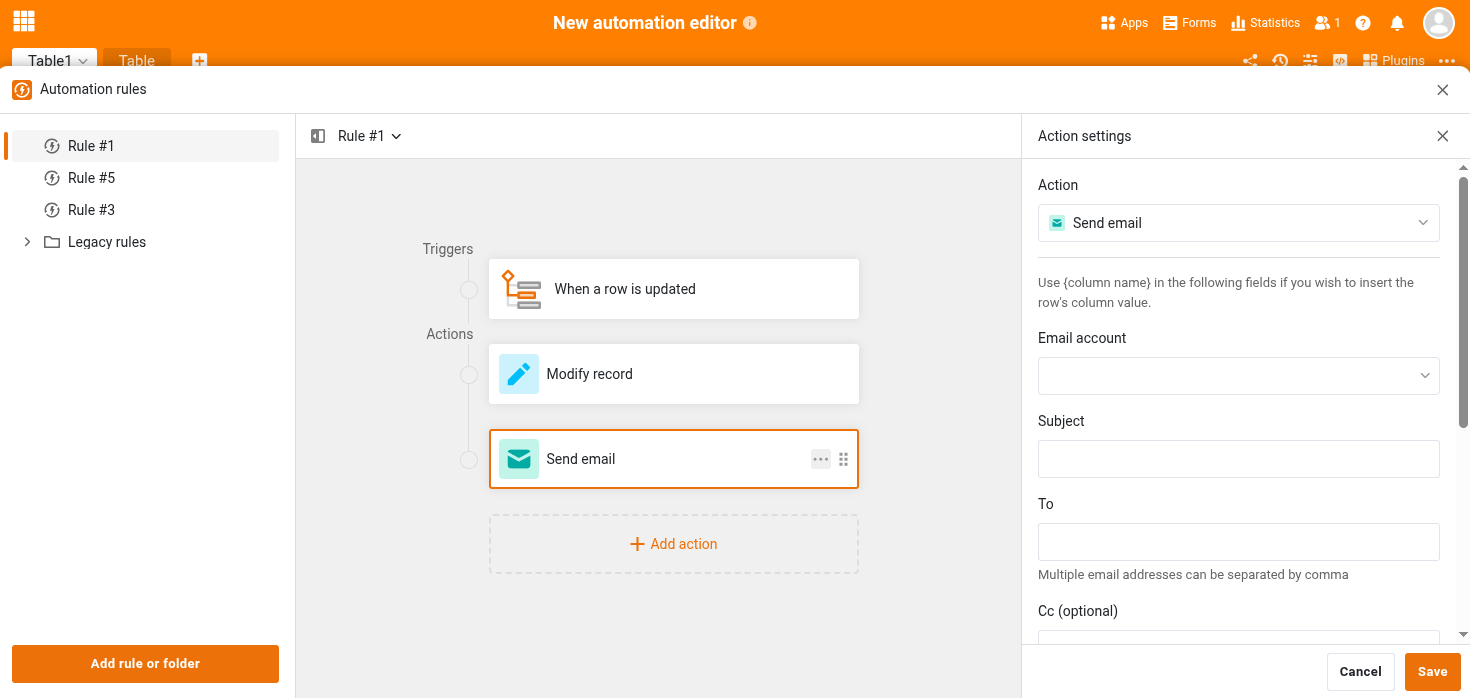
Even though the actions in an automation seem to be computed in order, it seems that they do not complete beforethe next one starts. In particular: If the “edit record” action changes a column’s value, a subsequent “send mail“ action which sends column values does not seem to use the changed value.
Similar to 2., but regarding formulae: When an automation is triggered by “when new record is created“, e.g. by submission of a web form, formula columns do not seem to have been calculated when the automation runs.
Simple test of 3.: Create an “ID“ formula column, use a simple `rowid()` formula. Submit by a web form, trigger an automation by the “new record created“ trigger, and try to send the value of the “ID“ column via mail. In our tests, the ID columns was empty at the time that mail was sent by the automation.
Problems 2. and 3. could possibly be mitigated with chained automation, but since they are not allowed, it doesn’t seem to provide a workaround.
For every question of your, I will two answers: The first for SeaTable v5.3 and older; the second for SeaTable v6.0 and future versions.
Version 5.3: Still true Version 6.0: True.
Version 5.3: Multiple automated actions in one automation rule are started sequentially, but, as you correctly point out, the subsequent actions do not wait for the prior actions to finish. Version 6.0: Multiple automated actions in one automation rule will be executed strictly sequential and a later action will only start once the prior action has been completed.
Version 5.3: I was not aware of any such timing conflicts. To challenge my ignorance, I ran a quick test in our test system (a plain vanilla SeaTable Server Enterprise Edition 5.3.12). The automation rule’s task: Copy a autonumber and a calculated date in two text columns when a new record is added. The result in the screenshot below:
There is actually a workaround for that: if you make an automation run a python script that modifies a value, you’ll be able to trigger an another automation from this value change.
@rdb, do you know if this will still be possible in v6.0 ?
@bha that possibility occurred to me as well, thanks! I only enabled the python pipeline with the 5.3.12 update, so it’s fairly new and not in my mind. Especially when I still have automation options that users without python knowledge can use.
@rdb the fact that auto numbers are availiable (=filled / generated) to subsequent steps does not only point to the hypothesis that mainly formula results (like rowid()) are not immerdiately calculated during or even before the “when a new record is created“ trigger.
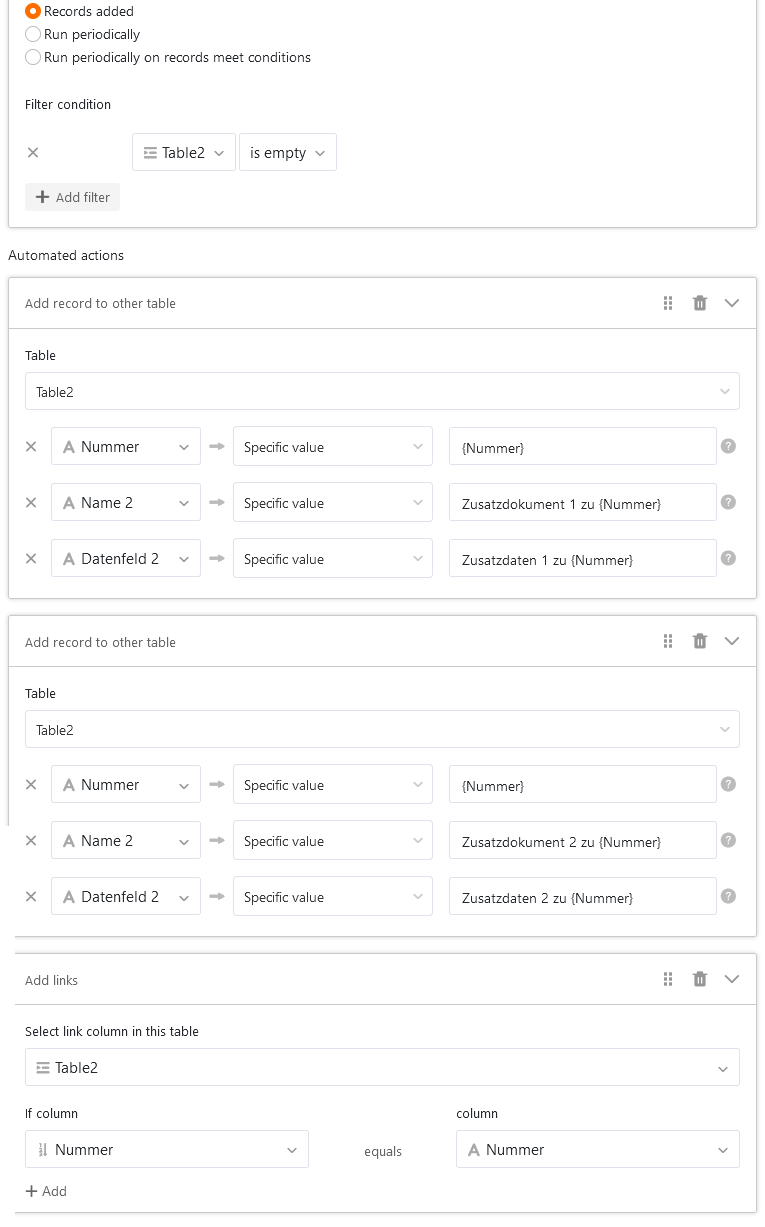
I also found a solution to my current problem, using an auto number to link between records with a unique ID. I hope that helps others:
Only dodgy hack: The current automation editor seems quite picky copying values between columns of different types using the “column value“ option, so I used the old “specific value“ option along with the {column name} notation to transfer the linking value from “Table1/auto number column” to “Table2/Text column”. I hope the {column name} reference stays in 6.0.
Apart from that, it’s another testament to Seatable’s versatility.
Since @ppm has more use cases, and I believe in sharing, here’s a minimal python script to change a “Python“ column from an automation to the current time in order to trigger another change-based automation:
from seatable_api import Base, context
from datetime import datetime
base = Base(context.api_token, context.server_url)
base.auth()
table = context.current_table
currentrow = context.current_row
if (isinstance(currentrow, dict)):
  row_data = {
      "Python": str(datetime.now())
  }
  base.update_row(table, currentrow['_id'], row_data)