We have been using SeaTable Cloud for several years to administer our clients, supplied devices, services, contacts etc. There are 1:n links between the table clients and the tables devices, services, contacts. So far we have been using the base itself (with tables and views). With regards to the latest App features, we are considering to use Apps as well to improve (internal) user experience. Our very first App is mainly based on single record pages, and we are making heavy usage of link columns (displaying records in a linked table as a table), e.g. in order to have a card per customer showing some basic information, but also tables with related devices, services, contacts.
Limitations, wishes:
While building our first App, we have come across a few limitations, and also a few wishes came up.
“Nested tables” (link columns, displaying records in a linked table as a table)
When clicking on a record in a “nested table” a modal similar to the one in the base opens. It would be really great, if one could configure another App page to open instead. I know, that there should be a workaround (by adding a button to the table opening a generated link), but the aforementioned solution would be much more convenient. Options should be: modal or App page, which App page, same or new window.
We haven’t found any option to define the (initial) sorting of a “nested table” (similar to the definition of a (initial) filter). Is there such option, and if so, where can we find it? If not, is it on the roadmap or may it be put on the road map?
Data-depending formatting / validation (as in the base, including RegEx for validation): As far as we have found out, such features are not available. Are they on the roadmap? Could they be put on the roadmap? Are there any workarounds available?
Page layout: It would be really great, if one could define “sections”, which could be hidden or shown by the user in order to be able to focus on important information. Is such feature on the roadmap or could it be put there?
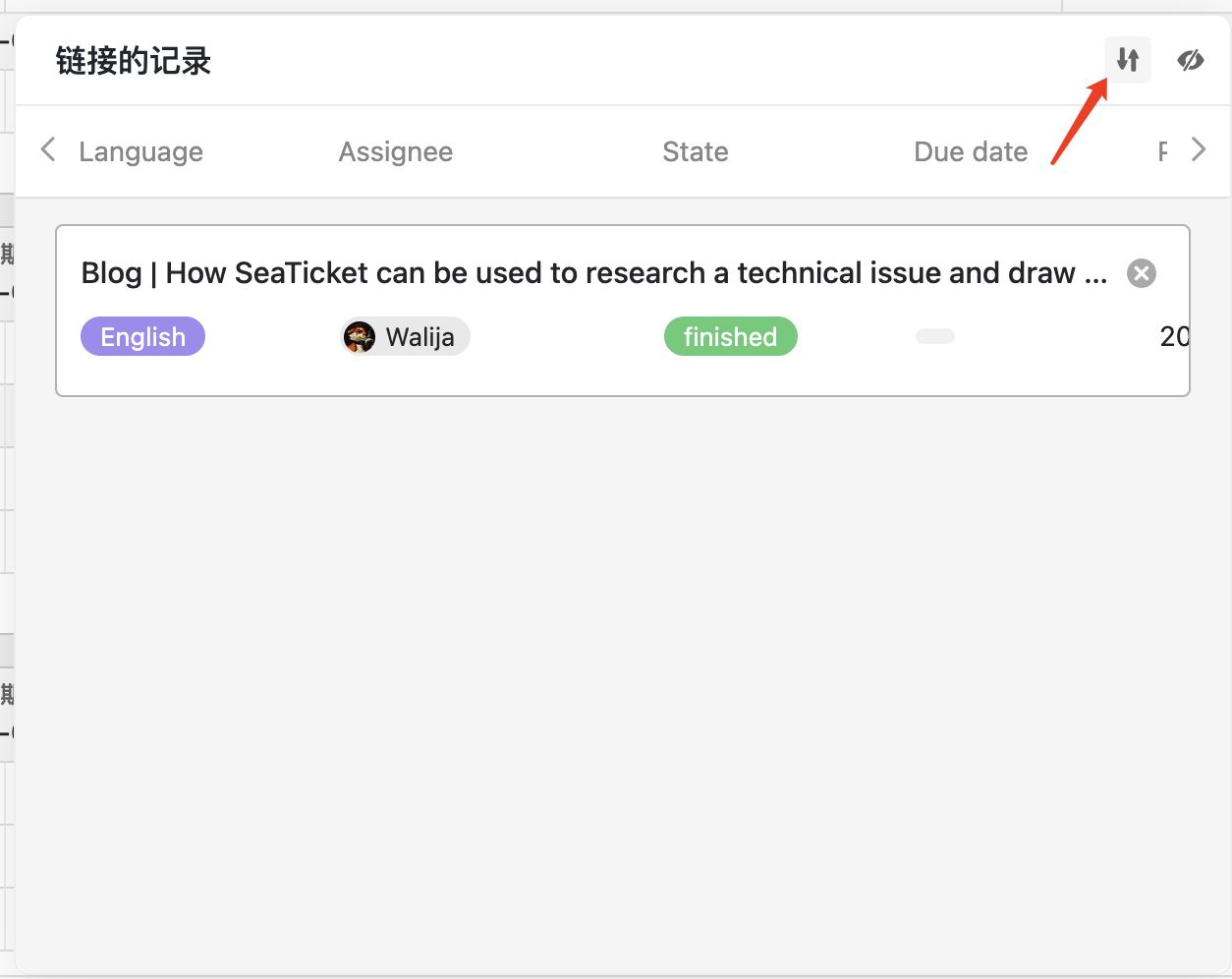
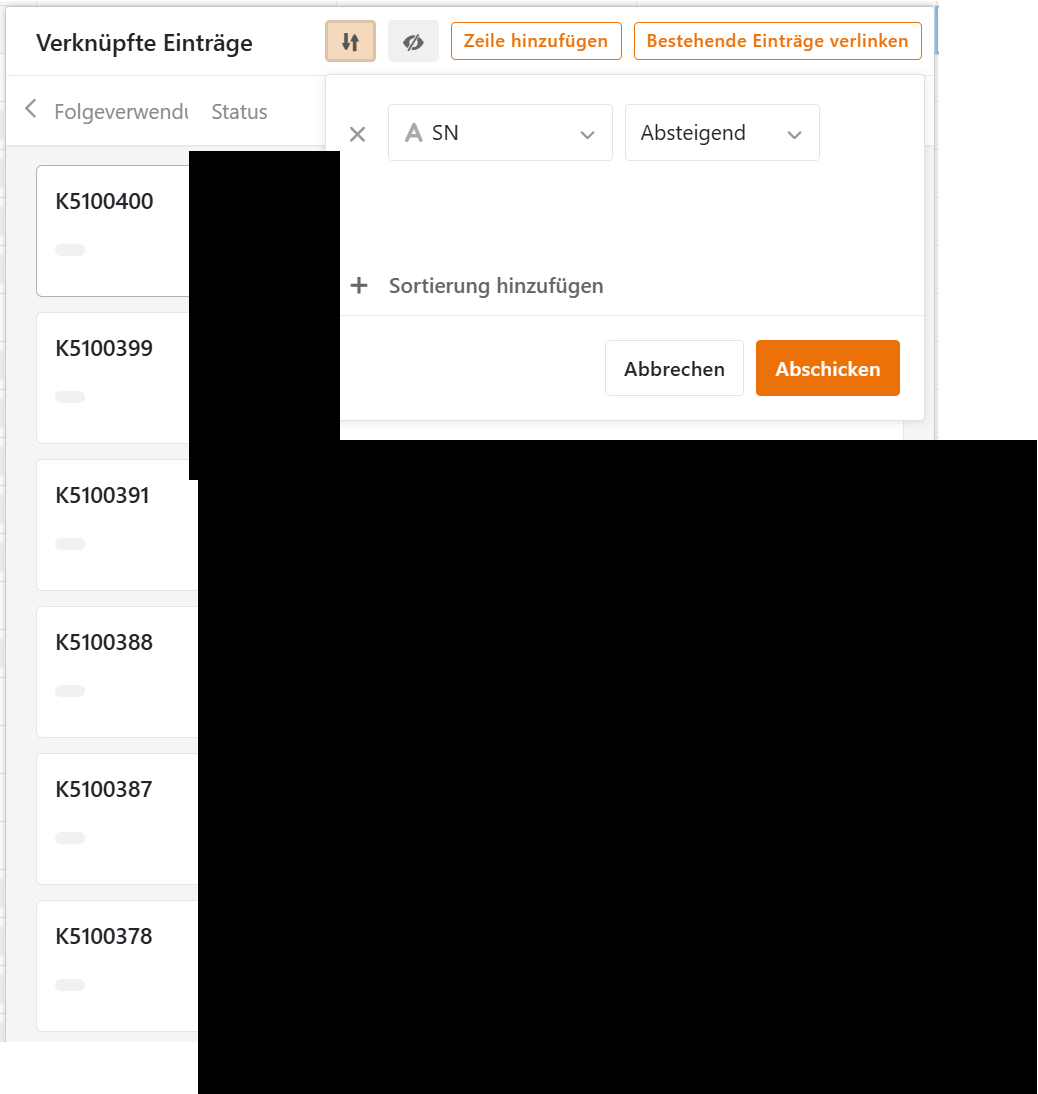
Currently, when link records are displayed as a table, the sorting is uniformly based on the sorting method set in the base (when you open the link column dialog, see screenshot below). Can this meet your need? Or you need more a specific sorting order different than the settings in the base?
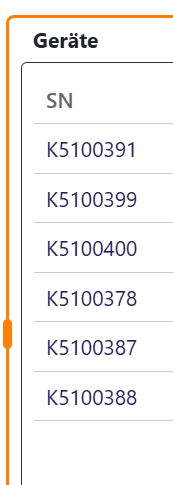
This is how the nested table looks in the App, it’s neither in perfect ascending or descending order, it looks more like two blocks, each in ascending order. (I think I have seen such behaviour (incorrect order) before, but when I checked again, everything looked fine.)
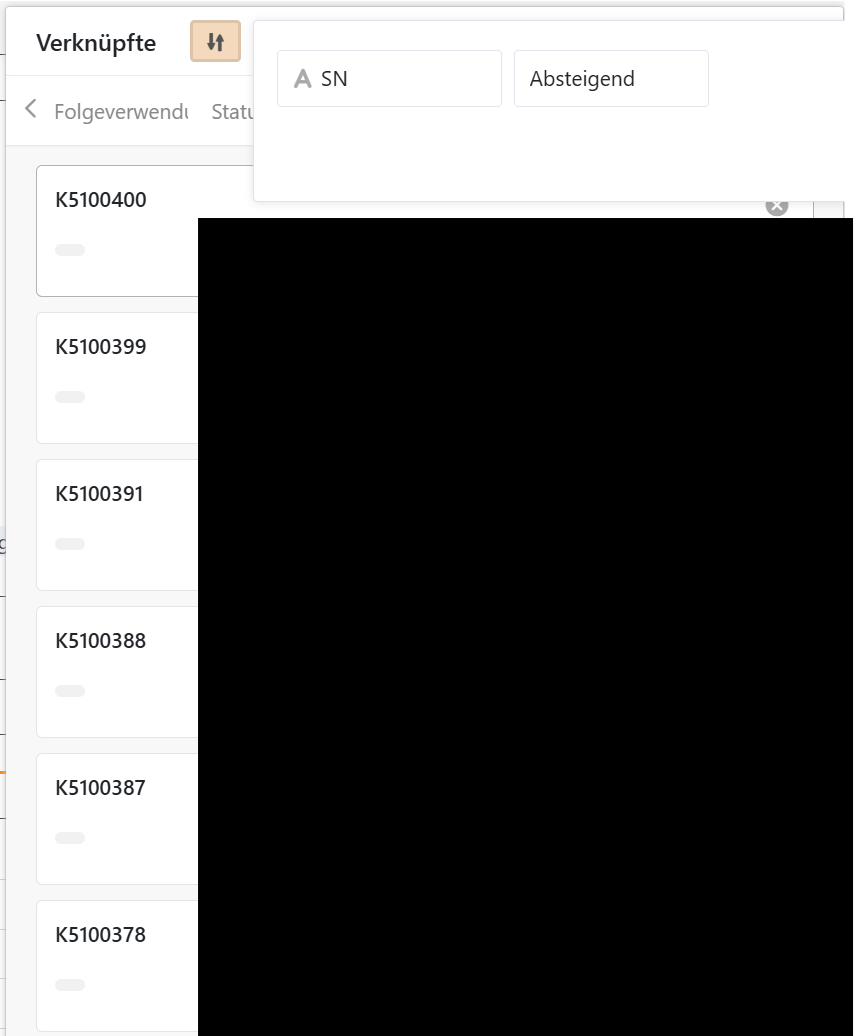
The link column dialog displayed in the App looks similar like the one displayed in the base, just that one cannot change the sorting (which is okay). I’d expect same order in screenshot above and below.
Regardless of the above and with regards to what I have in mind and having a look into our various views per table, I am afraid that one uniform sorting will not cover all our needs. Depending on the purpose of a page, we may want to order services differently from page to page, e.g. by date, ascending or descending, by priority, by postal code. Just as an example. Therefore it would be really great if sorting could be defined per page and nested table.
@daniel.pan That is two good news (for the first of them, not that there is a bug, but that it will be fixed soon ;)). Thank you very much. Looking forward for your reply regarding the other topics when you have checked them.
Currently, format validation is only performed when the user adds a new record. In the app’s form page and table page, if a field of a new record does not meet format validation, the new row cannot be created.
When the user modifies an existing record, format validation is only performed after the record has been modified. A red color appears in the cell to indicate that the format does not meet validation.
Do you want the field to be displayed in red color if the format does not meet validation after the user modifies a field in the single record page?
Yes, that sounds good. Plus the field should be displayed in red color as well when opening such record later (to indicate to the user at that later time that this record needs “improvement”, until the format meets validation).
NB: I could imagine, that sometimes it could be useful to have a soft validation rather than a hard validation, with the first allowing to create the record after confirmation of a warning message and (only) the second preventing to create the record. (In our base we are using validation more as a hint to improve data quality than to enforce it, mainly because there are exceptions sometimes).
And one additional question regarding bases:
Why is only the cell in the table view displayed in red color, but not the corresponding field in the modal view if validation fails?
Do it like thousands of other people who have used SeaTable to develop powerful processes and get their ideas and tasks done more efficiently.