Your Setup:
- Verified on SeaTable Cloud 6.0.10 free
- First discovered on Seatable Enterprise 6.0.10 self-hosted
Describe the Problem/Error/Question:
To reproduce:
- Create 2 tables A and B
- Populate them (the default “Name“ column is enough)
- Link them via a link column
-
Configure that link column to allow only one record from B to be linked to A

-
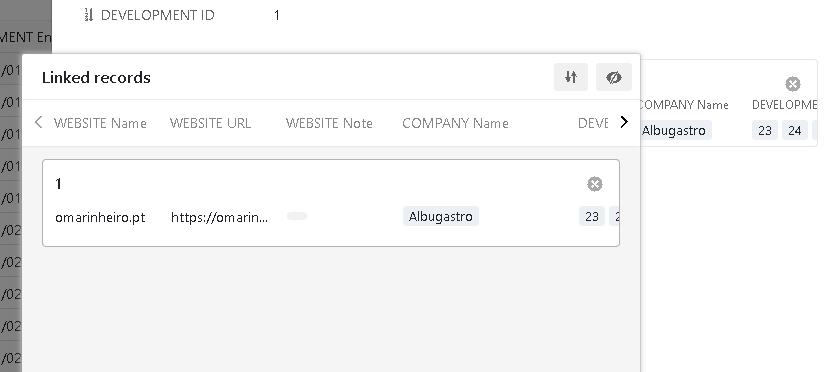
- When you link exactly one row of B to an entry to table A, this is what happens in the interface:
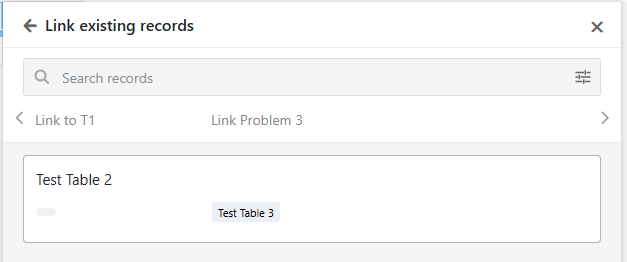
While linking exsiting records, this dialog is visible:
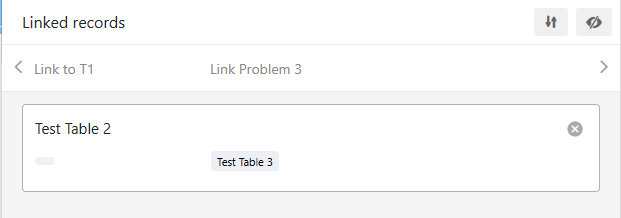
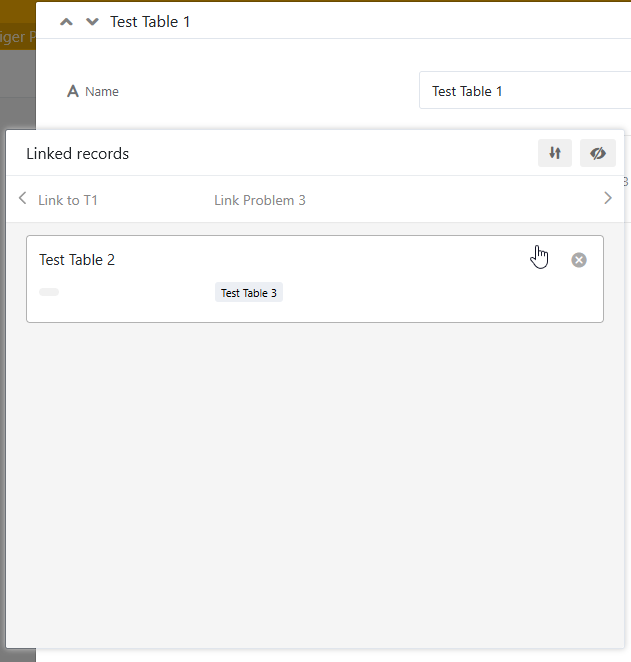
After linking the one allowed record, the dialog turns into the “Linked Records“ view to avoid further linking:
Problem:
The “Linked Record“ version of the dialog has no “x“ button to close it. No problem when you call that directly from the grid view: It can be closed by clicking outside the dialog.
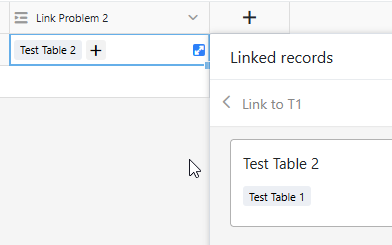
However, when you open the same window with the “Link existing records“ button of the backend’s form view, and select one record, you cannot leave the dialog by clicking outside the dialog’s area. You are stuck with the open dialog until you close the whole form view. Which is annoying if you have more to change in that form.
Can somebody please verify?