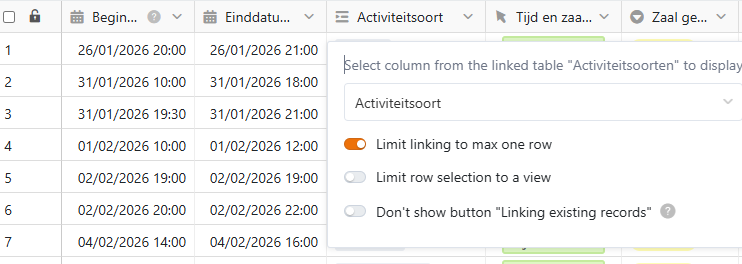
SeaTable Cloud, Version 6.0.10, Browser: Chrome 145.0
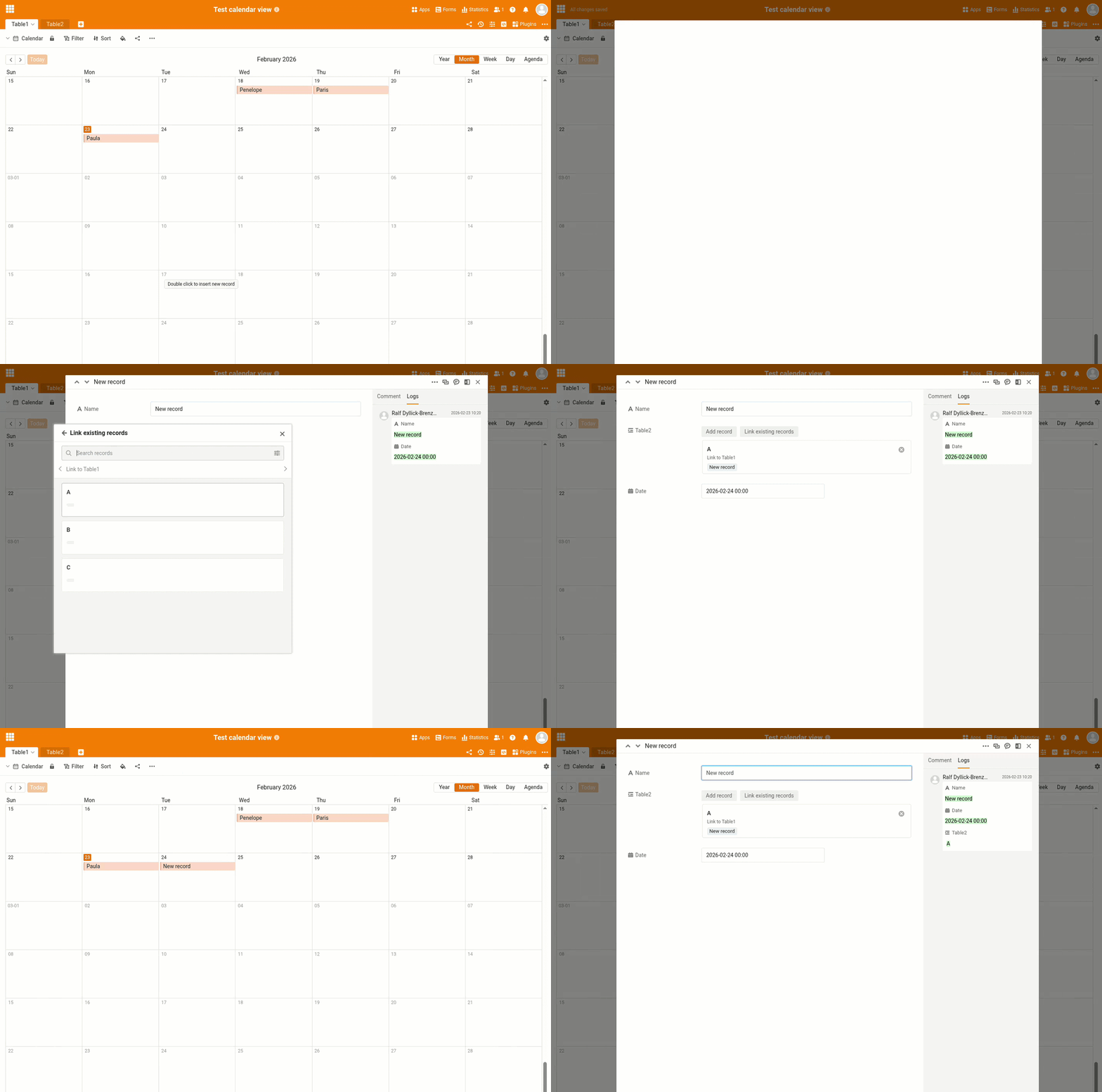
Double-click in the calendar view → new record window opens → in a “Link to other records” field you click on “Link existing record” → you select a record → and then you get stuck in that “Linked records” search window; Tab/Enter don’t work, the window doesn’t close, you can’t continue to the next fields.
Detailed report:
When I double-click in the Calendar view to quickly create a new record/appointment, the new-record modal opens.
In this modal, when I want to fill a column of type “Link to other records”, I click “Link existing record”.
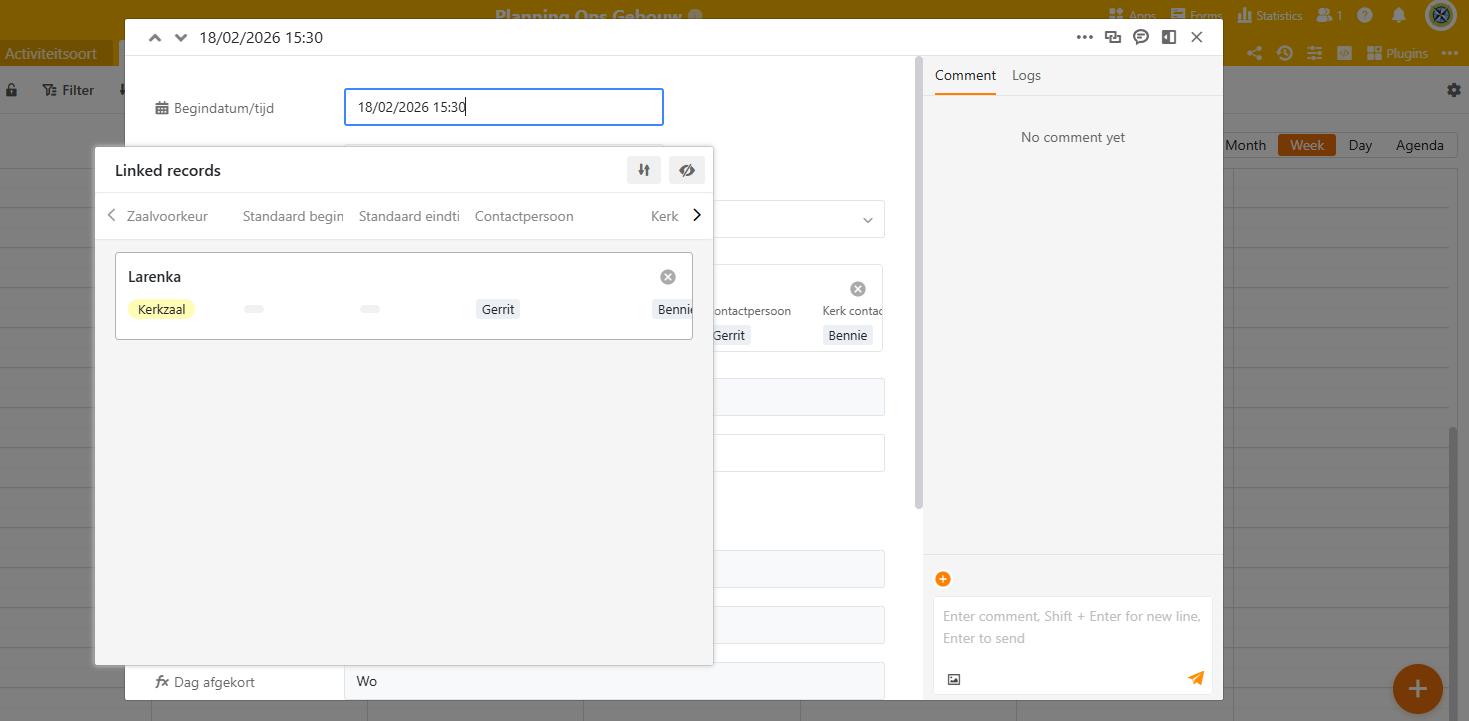
The “Linked records” search window appears (title: Linked records).
I select an existing record (see attached screenshot).
Problem:
After selecting the record, I get completely stuck inside this “Linked records” popup.
-
Tab, Enter and Esc do not close the window (except Esc, which works but is not the expected behaviour).
-
The popup does not close automatically.
-
I cannot continue to the next fields in the original new-record modal.
The only way to fill the remaining fields is to click outside the entire new-record modal (so it closes), then go back to the Calendar view, click again on the newly created appointment, and edit the rest of the fields manually.
This only happens in the Calendar view quick-add (double-click).