Changes made via API are not as transparent as user-made changes

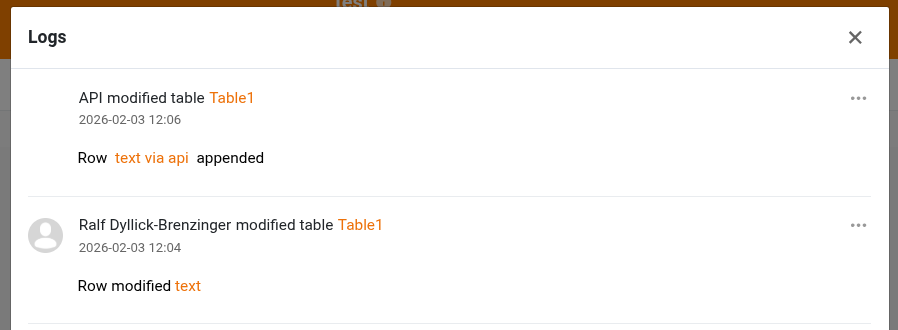
When we make changes to a table via the API the logs are somewhat sparse.
Obviously, the user can’t be determined here, but it would be great if the modifications to the record are as transparent as when data was changed via the website

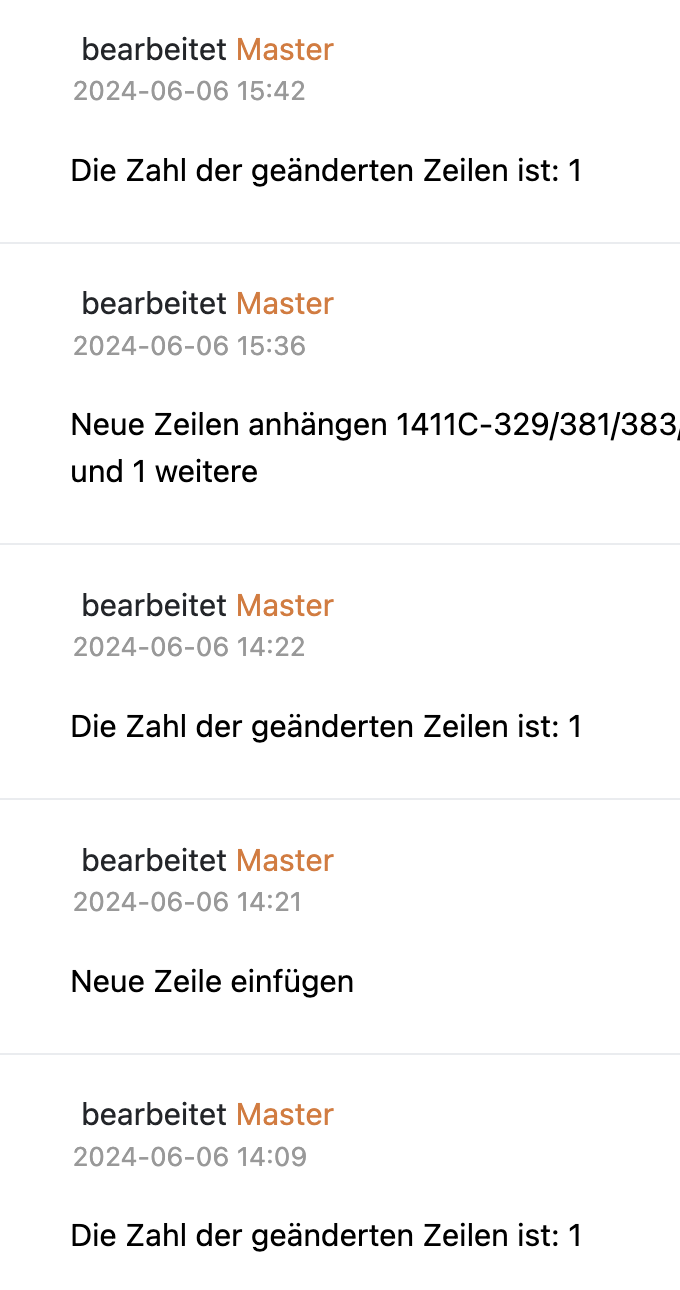
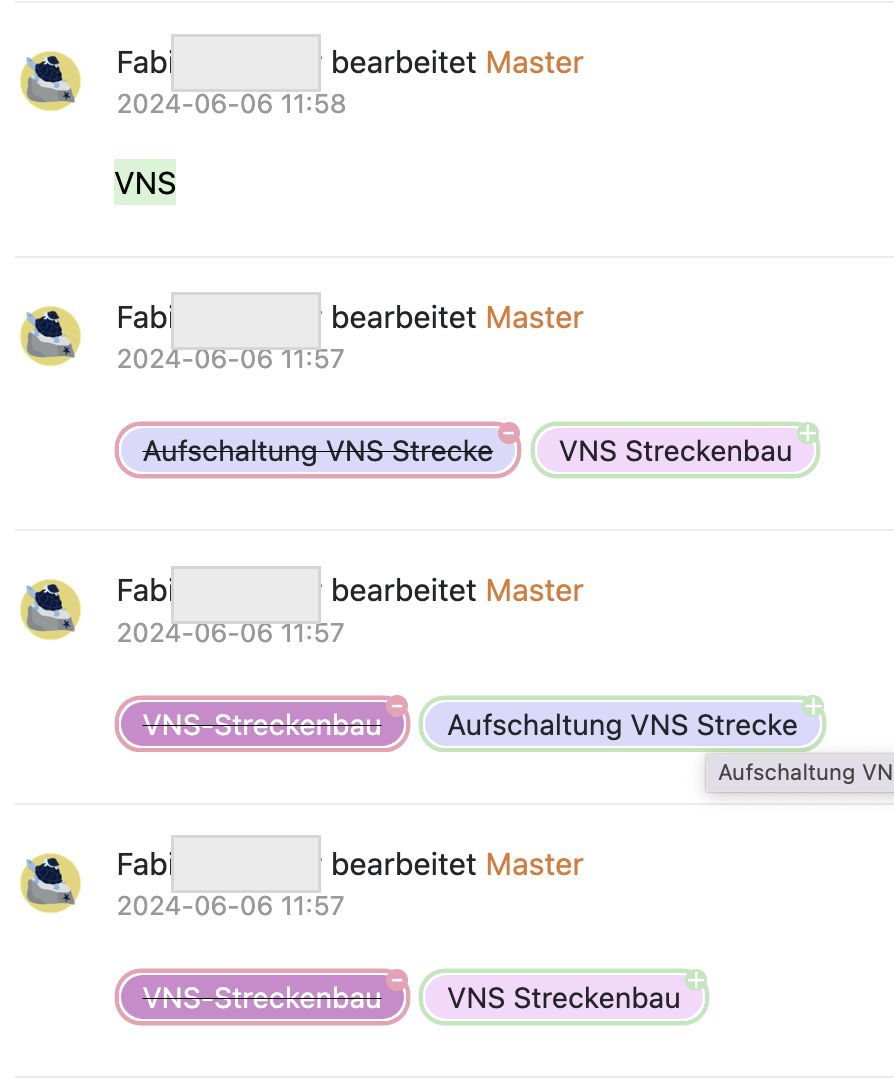
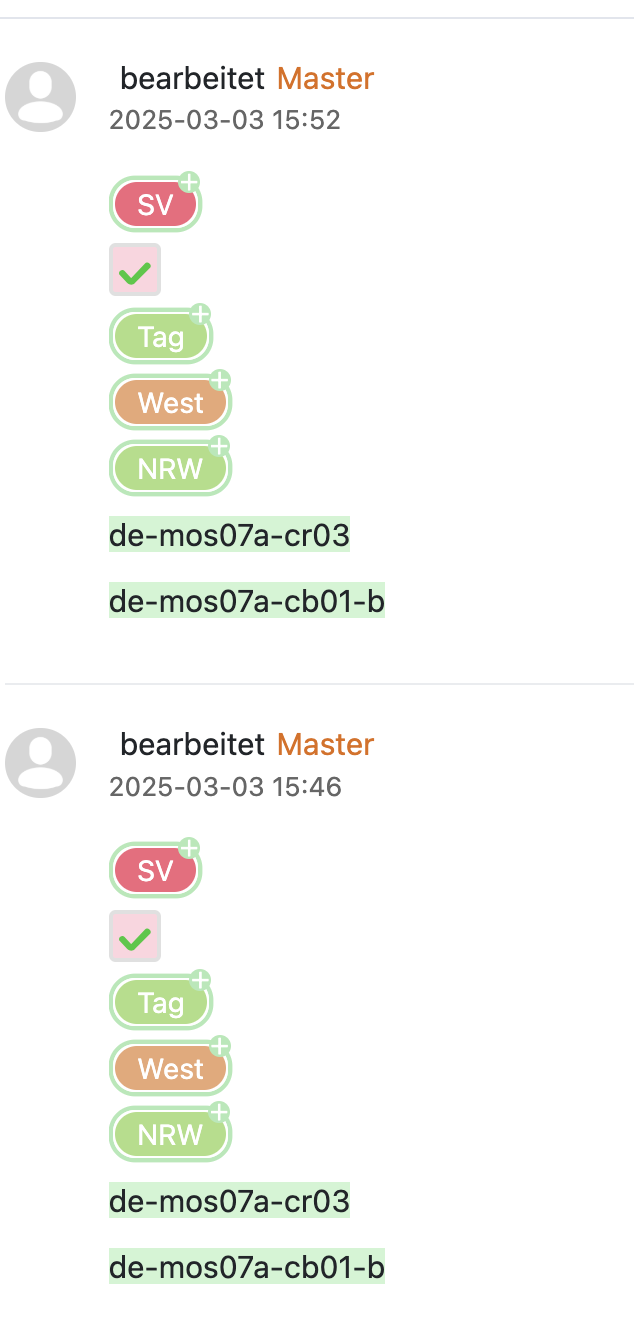
Changes via API

Change by User

We’ll work on that in the future.

1 Like

Thank you! That’s good to know.

I realize now that the changes are actually recorded in detail and visible in the “global” activities Log in - SeaTable Cloud

can it be displayed in the same way in table mode / view?

@rdb

@Leo.Shi Could you take a look at this issue?

1 Like

@rdb this is an ongoing issue. Can it be made consistent?

Below the base logs from a sample base:

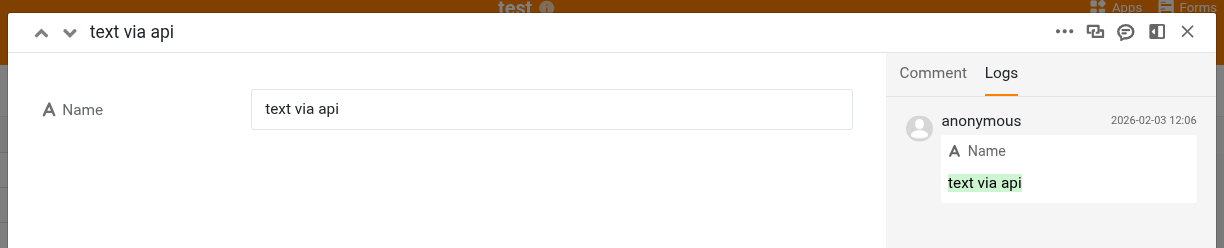
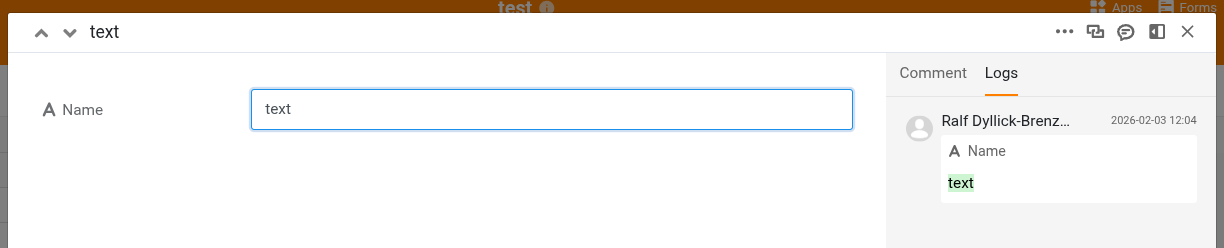
The operation at 12:04 was a manual edit. The operation at 12:06 was a row appended via API.

On a row level, this is what I see …
… for the row appended via API:

… for the manually modified row:

Do you use SeaTable Cloud or SeaTable Server? If SeaTable Server, which version do you use?

We use SeaTable cloud (enterprise)

an api change looks like this for us inside the base (no row id, no content - pretty useless)

In the activity over view on Log in - SeaTable Cloud

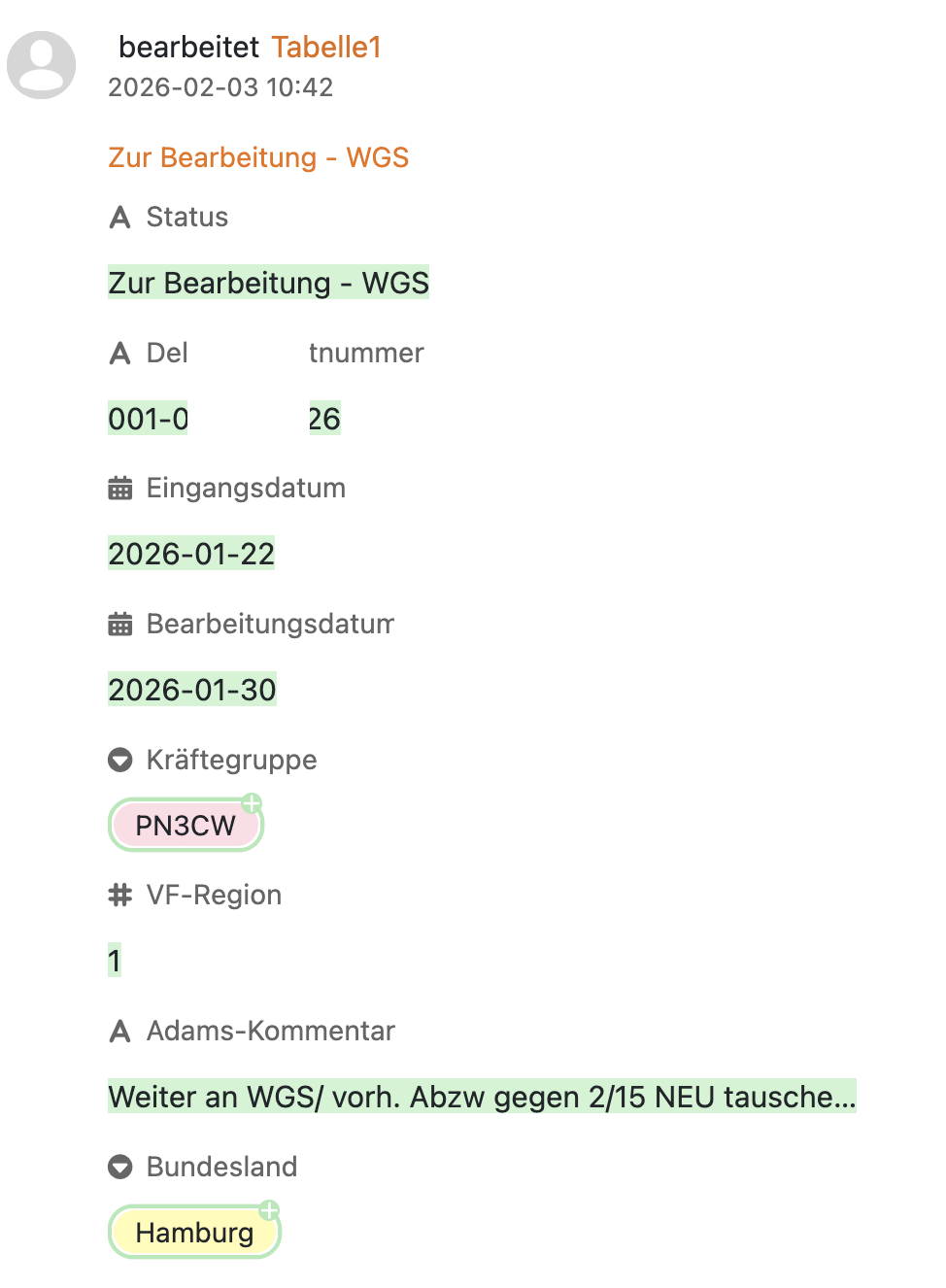
the same change looks like this (very useful!):

I notice now that the user-made changes look indeed differently than I originally reported in 2024. Now the logs just show that “a (user name) has changed a line in (table name)” not the actual changes. Which is a downgrade to previous level of information. I am not sure what do to with it - I can’t see which row and what changed. So how I would find the line and open the Logs tab that you show in your screenshots is unclear to me.

I can’t follow you.

As I have shown in my screenshots, the base logs contain
a.) the editor (name of the user or API or automation)
b.) the row in question

(For the screenshot above, I used https://api.seatable.com).

The information in the row logs is even more detailed.

In other words, I cannot reproduce your observation. Do use the API directly or via a (Python) script?

Thanks for the follow-up. Okay I’ll try to be more clear.

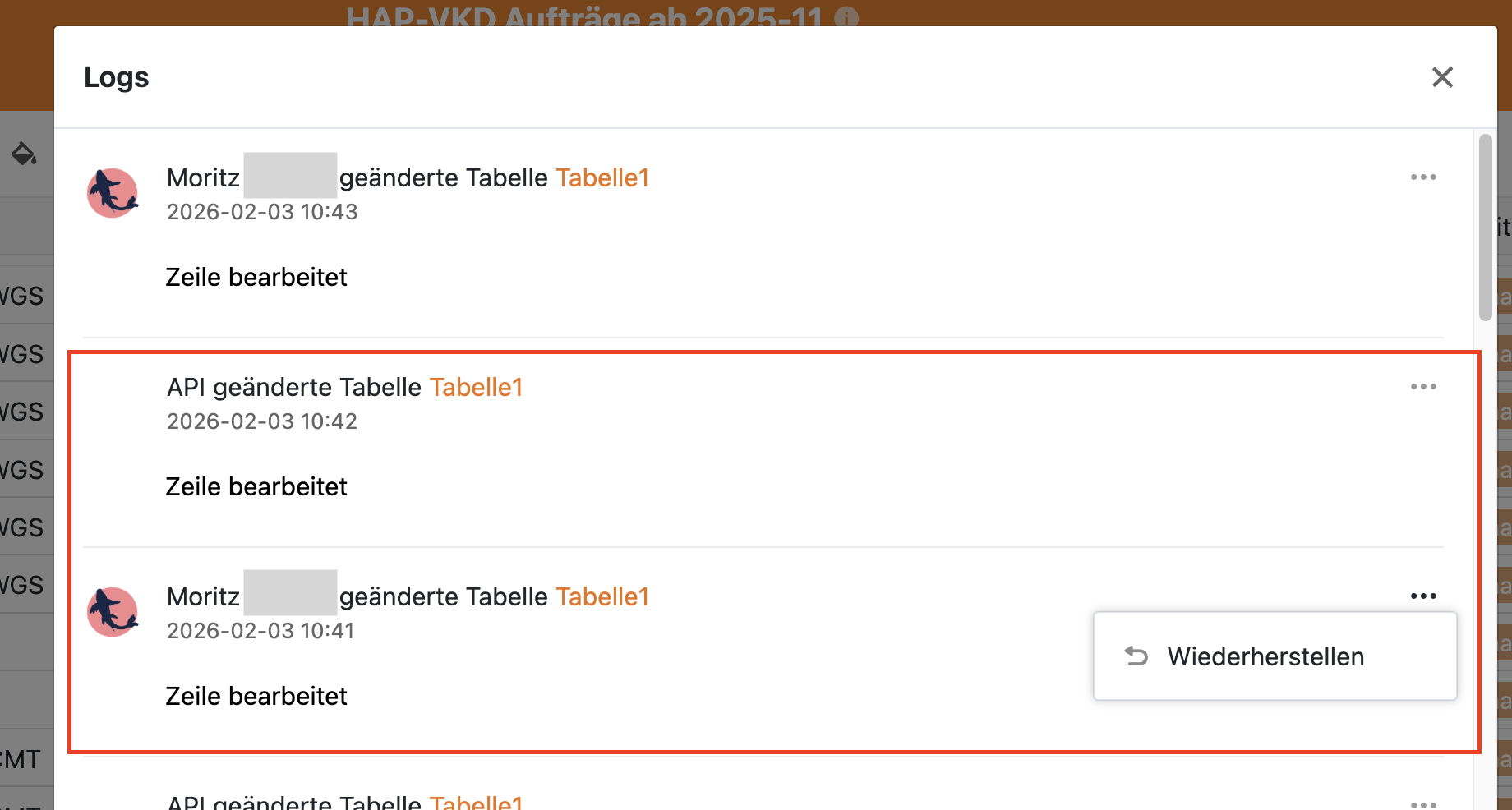
The following screenshot shows two changes in the Versions –> Logs screen. One change made by a user, one via API (ruby, but ultimately a call to Update Row(s) )

  • We don’t see a line number / row_id or anything to identify the respective line
  • We don’t see what changed
  • We can choose “Wiederherstellen” on the user-made change (however we can’t see what we would recover)
  • We cannot choose “Wiederherstellen” on the API-made change (“Keine Optionen”)

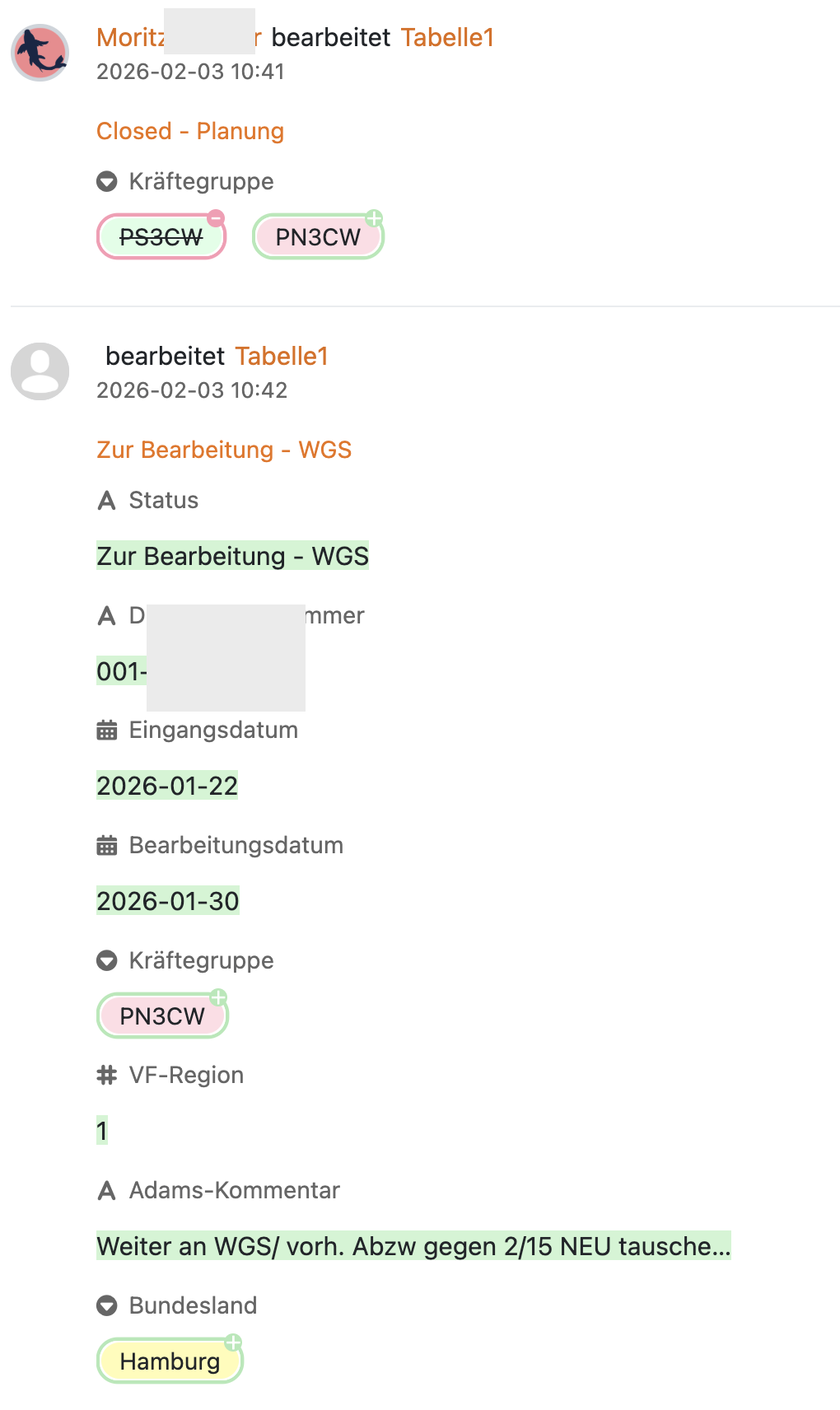
In the SeaTable cloud dashboard –> Activities view the same changes look like this:

  • We see exactly what changed
  • The orange text is actually clickable and leads to the respective record
  • This view is very useful

What my request is about:

Can we have the same level of detail as in activities in the base –> Versions –> Logs ? Maybe what we currently see is not supposed to be like that, but my screenshots are fresh and I am Administrator and we’re on SeaTable Cloud enterprise. So I am not sure what I could be missing.

Can Api-made changes be recoverable as well?

Hope this is helpful / understandable so that you can see what I mean.