hi,
maybe an easy question, but how to create a dropdown menu (single select) with an item list from another sheet?
Greetings Nico
hi,
maybe an easy question, but how to create a dropdown menu (single select) with an item list from another sheet?
Greetings Nico
Hi, welcome to the SeaTable Forum!
In this case, what you need is not the column type “Single Select”, but “Link to other records”. By deactivating the setting “Allow linking to multiple records”, one cell is only able to be linked to one record in the same table or from another table.
You’ll see this feature is only better than a “dropdown menu”, as it displays more information about the records you would like to select from.
P.S. - as this is not a bug, I’m moving this post to General.
Thank you for your fast answer!
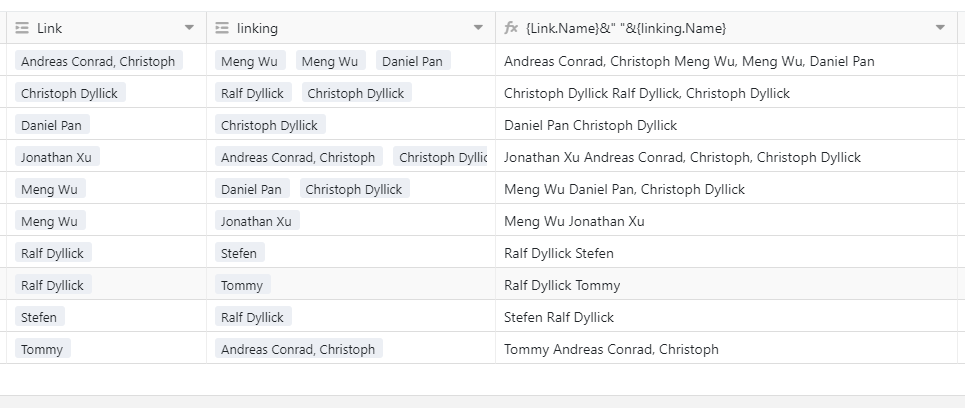
One more thing: How to collect/display linked records in another column?
Records in Column A&Column B should display in Column C
I tried diffrent ways, diddn work
best regards
Nico
worked! Is there a way to display each entry in a new row in the same cell? Because in the details view, i like them as a “list” Not a long sentence…
I tried
"#1 "&{Leistung #1.Leistungen}&char10&{Leistung #2.Leistungen}
greetings Nico
Unfortunately, this is not possible.

Do it like thousands of other people who have used SeaTable to develop powerful processes and get their ideas and tasks done more efficiently.