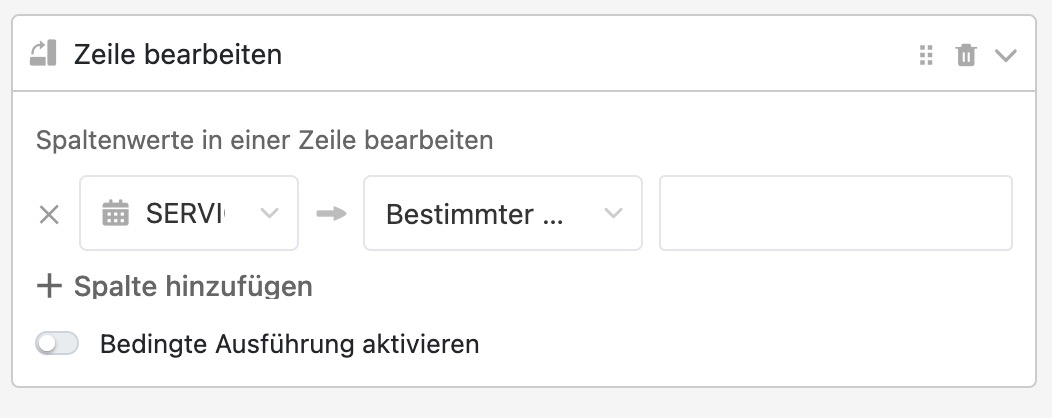
Can anyone help me?
I want to empty a cell that contains a DATE by clicking a button.
If I try with leaving the value empty (see screenshot), nothing happens.
How can I achieve that? Thx in advance!
Unfortunately, the “Modify row” button action currently does not support that.
But: You can use the “Run script” action instead and use this Python script:
Table = "YOUR_TABLE"
Column = "YOUR_DATE_COLUMN"

from seatable_api import Base, context
base = Base(context.api_token, context.server_url)
base.auth()

base.update_row(Table, context.current_row['_id'], {Column : None})
All you have to do is the replace “YOUR_TABLE” and “YOUR_DATE_COLUMN” in row 1 and 2 with the correct names.
Thank you very much!!! Works perfectly 

Do it like thousands of other people who have used SeaTable to develop powerful processes and get their ideas and tasks done more efficiently.