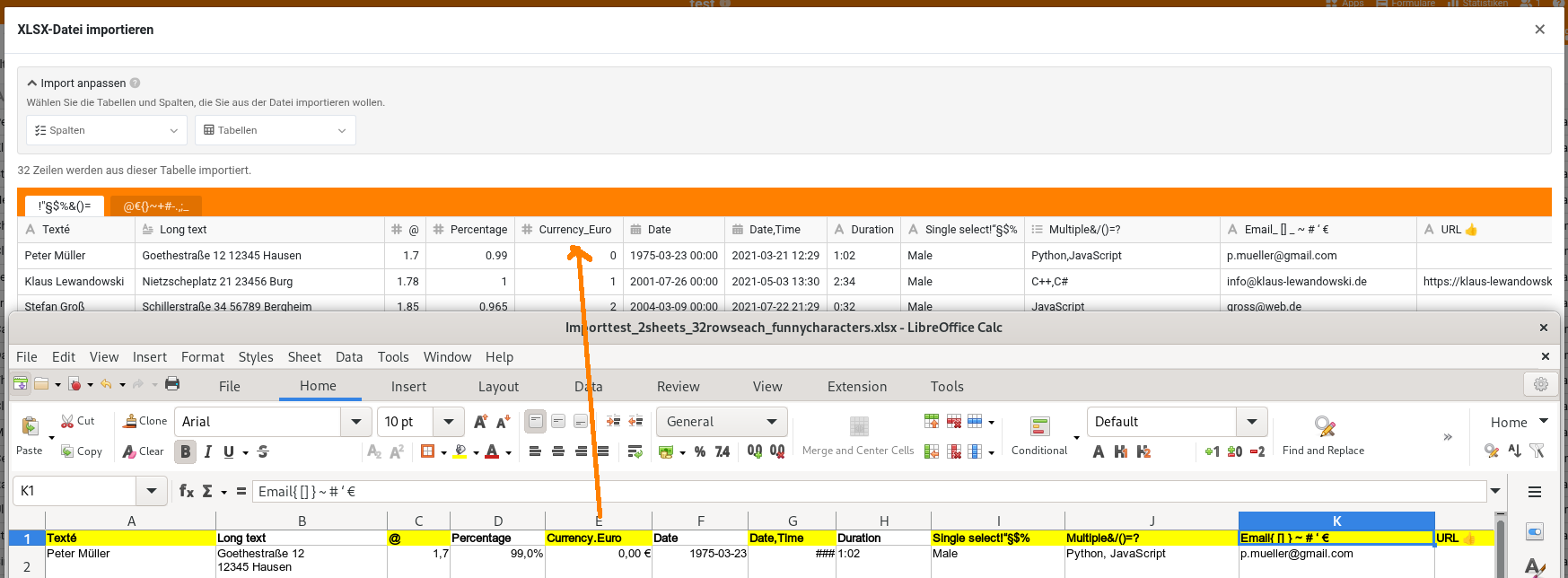
We routinely extract a table from an external system where we have no influence on column names. We import this table into SeaTable and one of the column names in the Excel contains a dot. SeaTable doesn’t allow the dot in the column name. Is there any trick that we can make SeaTable recognize the column despite the dot?
Of course we know that we can simply rename the column in Excel and we could somehow automate this if it wasn’t all happening in a cumbersome Citrix environment. The problem is it’s sometimes forgotten by humans to rename the column and important information is omitted in the import.
Maybe someone has an idea?
I think it would generally be smart to ignore dots in column headers of the source if the target (SeaTable) doesn’t allow them. Then the matching would also work for such cases.
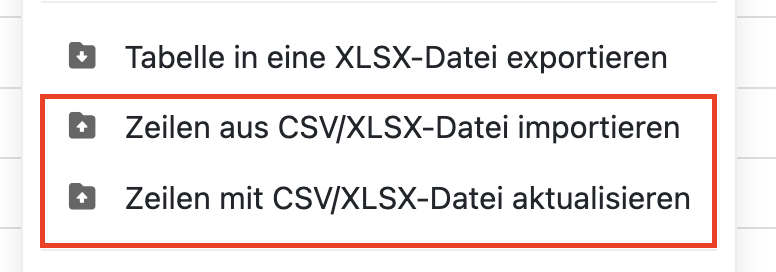
yes that all clear, but I’m in the situation now that I have my SeaTable, the column name without dot. Subsequent updates via “..: Datei aktualisieren” leave out the column unless I take out the dot in the Excel file too. I know not a big thing, but humans forget and it leads to important information not being updated. I’m wondering if I can make SeaTable auto-match the column anyways (the only difference is the dot) to avoid human error.
Ah to further clarify - the dot comes at the end of the column name “Auftrags-Nr.” and I have tried with the underscore at the end in SeaTable and without. Subsequent updates won’t match the column.
Die von SeaTable bereitgestellte Import/Update Funktion kann das nicht.
Die einzige Möglichkeit ist ein Update per Skript. Im Skript kann man den Spaltennamen umschreiben. Vorgehen wäre dann: XLSX Datei im Filemanagement ablegen und dann Skript starten.
Danke, dass werde ich ausprobieren!
Generell wäre es für SeaTable doch eine sinnvolle Verbesserung, wenn der Punkt nicht nur beim Import durch _ ersetzt wird sondern es auch beim Update, oder?
Beste Grüße und ein schönes WE!
Do it like thousands of other people who have used SeaTable to develop powerful processes and get their ideas and tasks done more efficiently.