- My setup : SeaTable Cloud
Hello,
I found something which seems to be a bug in linked entries information access.
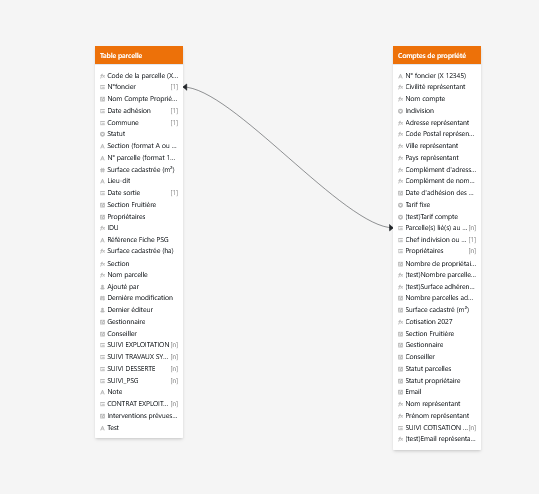
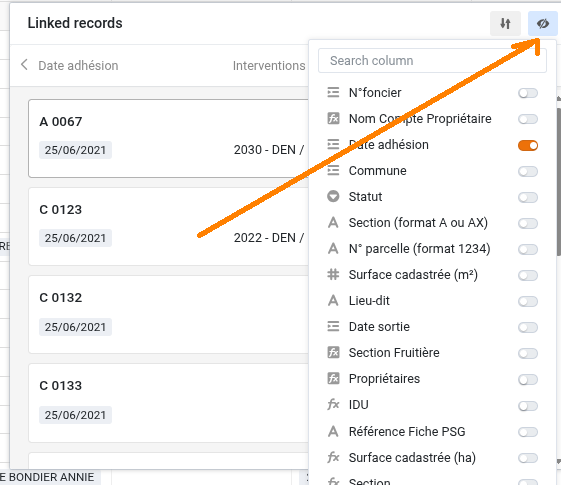
I have a table with a list of owners, which table is linked to a table of plots thez own. For a little time (I don’t know exactly when it started), when I access the linked entries from the owner table, I can’t see informations of thoses entries. I see only the first column and new column I added recently.
I tried :
- to access the same entries information from an other linked table, and it’s ok I can see all plots informations
- I tried to add a new column (test) in plot table and I can see it when I access from owner table
- I tried to add a new link between owner table and plot table, linked a random plot to a random owner, access plot informations, and it’s ok I can see all plots informations.
What I see from the original plot link :

What I see from the new plot link for testing :
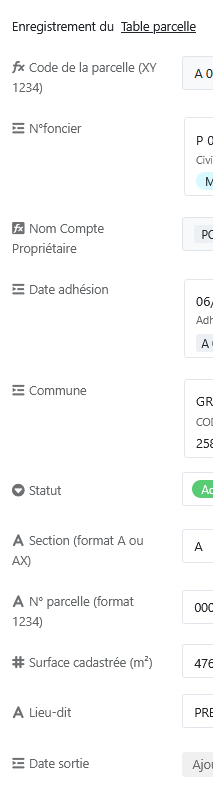
On first screenshot, it’s weird the last row is empty because it should be the linked owner ID (this information appears on the plot table but not here).
I’m not sure what I should do to correct it because all my database is based on this link, and I’m afraid to loose all data work if I change the link column.
All help would be very welcome.