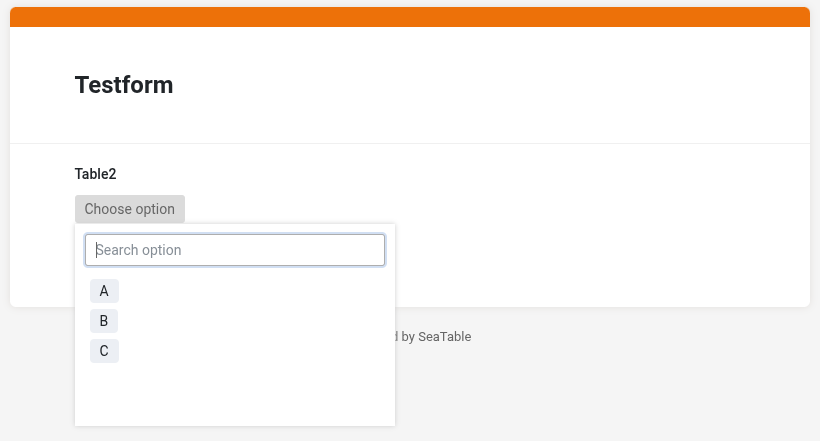
I want to do data entry via webform, but it must be linked to specific clients, as listed in the client info table. When the client number is selected in the webform, I need one or two details to be displayed for confirmation, before the details are filled in the rest of the form.
I am managing with the selection of the client number, but I need help with the part where the form needs to “talk back” to the user by displaying the relevant fields (Name, surname), connected to the identification number. (I suppose it could also work other way around by entering/selecting the name, and the output is the number)
I would like to keep the solution as simple as possible, please
Thank you in advance for any help and the use of your experience
Thanks again for your help - could i ask a bit more of it, please? I am blanking out here…
My data structure: 1)= registration table , and 2) visit table.
1= A common dataset table where a patient is registered with basic identifying details, given a Identification number, and this data is shared across departments.
2=A Departmental visit form, where details of multiple visits are entered each time. This should connect to the registration table somehow so i can later see all the visits for a specific patient
This thread’s query is regarding an easy to use form for data entry by multiple staff members. I thought of a web form, but you rightfully suggested an app.
This form should start by A) allowing the user to select the correct patient from the registration table list, and show one or two other details, to confirm the correct selection.
B)Thereafter, it should allow for entry of visit data as per the visit table, for thatspecific, selected patient.
So: How do I do the link between the visit data entry and the registration VIA the APP?
Add a “Link to other records” column to either table “registration” or table “visit” (the corresponding column in the other table is created automatially)
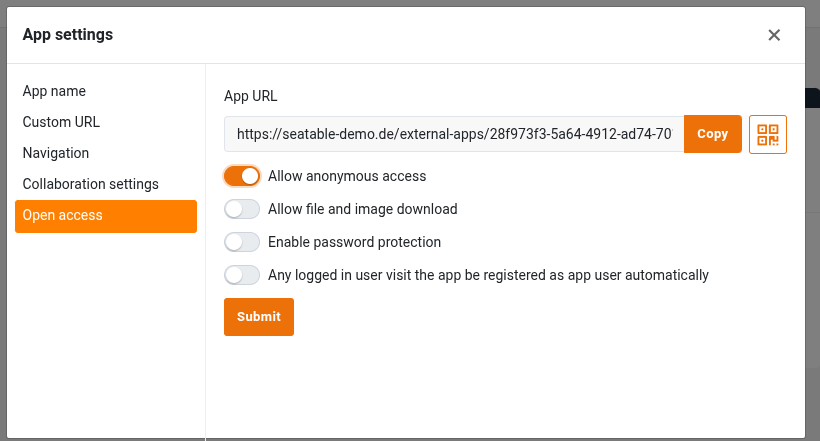
Add an app
Add a form page which uses table visit table
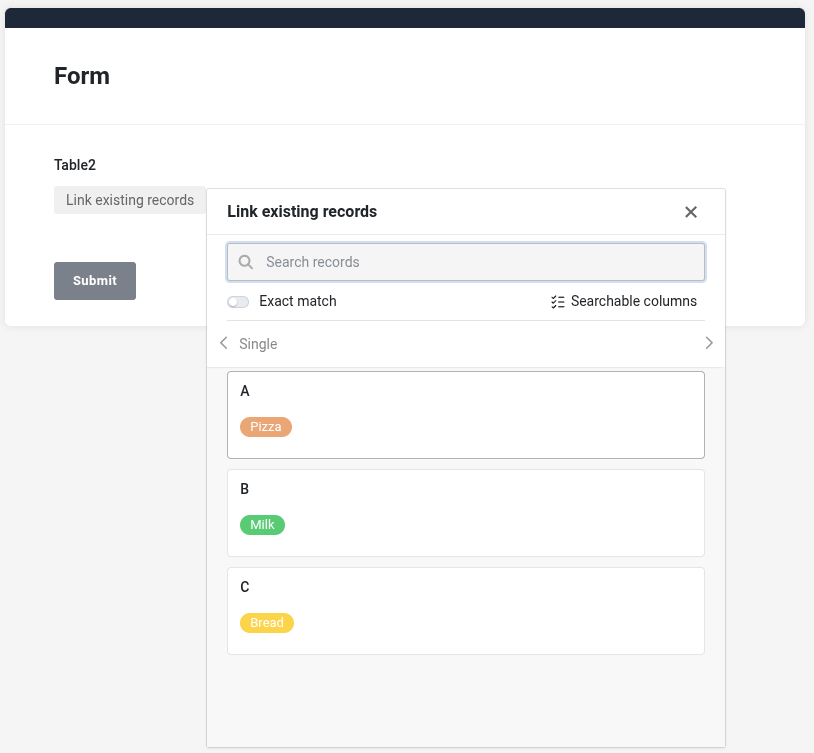
Add the link column added in 1. to the form at the top and configure the column via the “Link column settings” so that it shows the information you wish to show
Then all the visit related information to the form
When you access the form, you can select the patient and add the infos from the visit. When submitting the form, a new record is added in the table “visit”. At the same time, the new record is linked with the patient in registration.
Do it like thousands of other people who have used SeaTable to develop powerful processes and get their ideas and tasks done more efficiently.