I feel your pain. I had to do this yesterday. This was made more complicated because my modules do not say “rework” because I had renamed them.
Hey @mrkhngr,
I cannot reproduce your error. Is it possible that you missed a number in your module in the Row ID? Look at this screenshot:
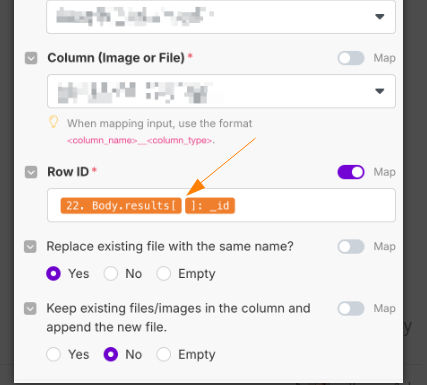
Body.results[ ] is an array, and you do not tell make, which element of body.results you want to use. Probably a 0?!?
DId you create a new API connection? This 404 error came for me when I used the previously working API.
Hey @apenzel,
I reached out to Make.com support for detailed usage statistics, and they informed me today that only six accounts are currently using the “Rework” app. In comparison, over 100 accounts are actively using the “verified” SeaTable app.
Given these numbers, I hope you understand why I’ve decided not to continue maintaining the Rework app. While I realize that the number of accounts doesn’t reflect the number of scenarios built or modules used, the overall adoption is simply too low.
My primary goal is to ensure that the “verified” SeaTable app remains stable and fully functional.
@ivan07,
One key takeaway from this forum topic is that Make.com modules are not updated after their initial release—they continue to use the code from the day they were created. If you’re experiencing issues with new modules not working in your SeaTable 5.2 environment, it’s likely that the API gateway hasn’t been configured properly. If you have already set up the API gateway, please provide more details about your configuration and the specific errors you’re encountering.
For reference, the “verified” SeaTable Make.com app is confirmed to work with versions 5.2 and 5.3
Hi everyone,
I’m definitely not a Make specialist, so I’m not sure if what I tried could help or not but I tried, on a very simple scenario, to switch from Rework to verified version (and to restore every connection) by modifying the json blueprint of the scenario in a text editor and then reimporting it again.
Once again, I only tried that on a very simple scenario, so don’t forget to backup everything before trying this!
Here is actually what I did:
- Create a new connection and a new SeaTable node from the verified version
- Export the scenario blueprint
- In a text editor, copy the connection values from this new node, and paste it in the rework nodes. Here are the values I pasted:
__IMTCONN__value (number) in parametersparametersobject in metadata/restoreparametersarray in metadata
- Replace the name of the rework node by the one of the verified app. This value corresponds to the
modulekey of the node. Here are few replacement names, if you need some more, create a new scenario with both the rework and the corresponding verified node so you can check the names in the blueprint:app#seatable2:ActionInsertAppendARow>seatable:v2CreateRowapp#seatable2:ActionGetRow>seatable:v2GetRowapp#seatable2:SearchListRows>seatable:v2ListRowsapp#seatable2:SearchRows>seatable:v2SearchRowsapp#seatable2:ActionUpdateRow>seatable:v2UpdateRowapp#seatable2:ActionDeleteRow>seatable:v2DeleteRowapp#seatable2:addRowLock>seatable:v2AddRowLockapp#seatable2:removeRowLock>seatable:v2DeleteRowLock
Hope this could help…
Bests,
Benjamin
Yes, I created a new API key and I think it was necessary because I had a few modules, that didn’t work with the old authorization. It might have been enough to reauthenticate, but I wanted to make sure, that it works, so I created a new API Key.
So far everthing works now.
Hey @cdb,
thank you for getting back to me. The code you quoted works correctly. It’s a quirk of make that it uses the first element in an array when none is specified.
Because of the many quirkinesses I make sure, that all arrays only contain a single item when I update rows or add files.
Just to make sure, I created a very simple test case using a new instance of the upload file module and even hard coded the row ID. It still throws the same error, by returning an html of a page not found.
Because of that, I decided to use the HTTP module to upload the files and update the rows afterwards. Thank you for a well written API documentation, it made it really easy to follow and set this up.
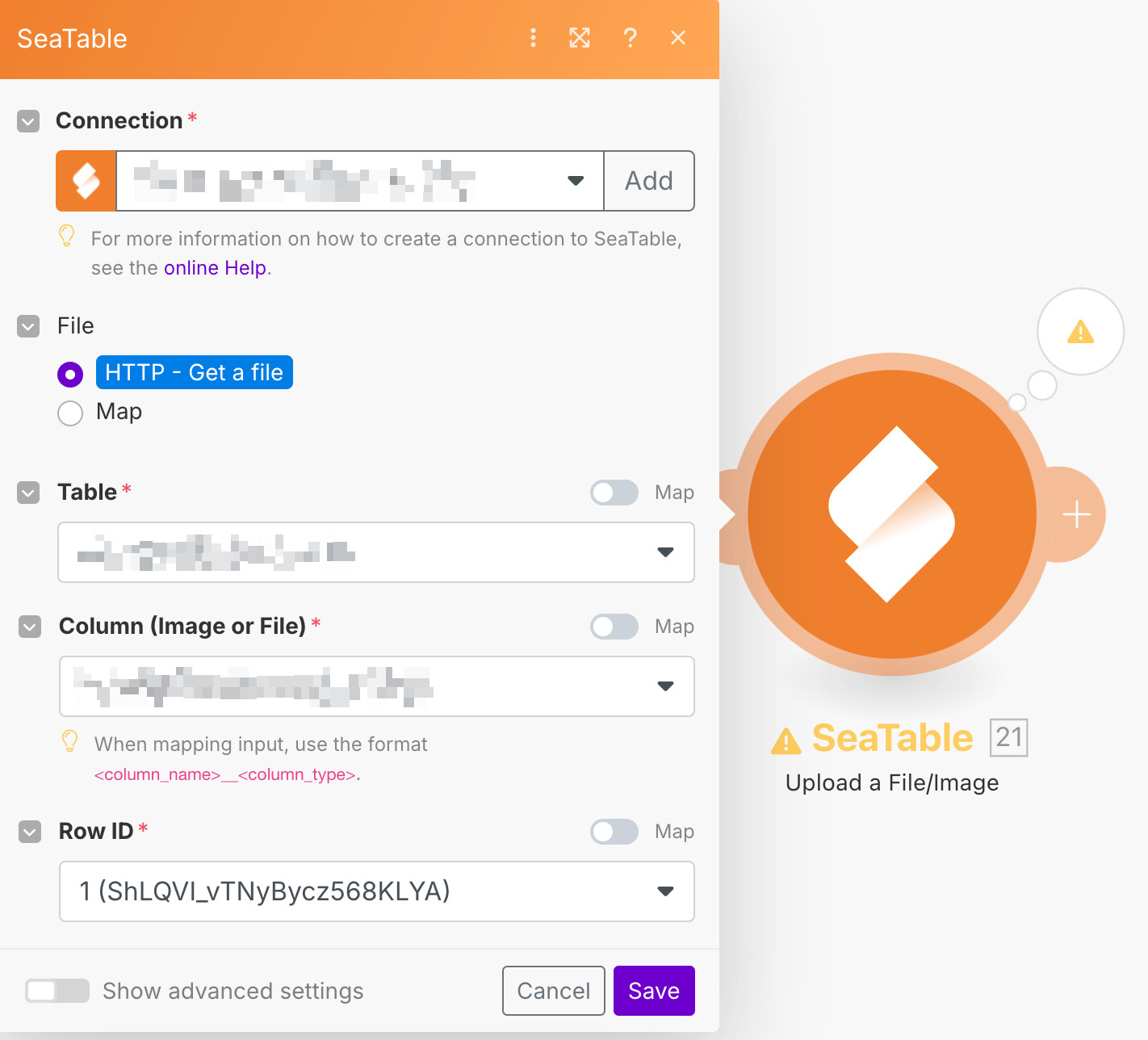
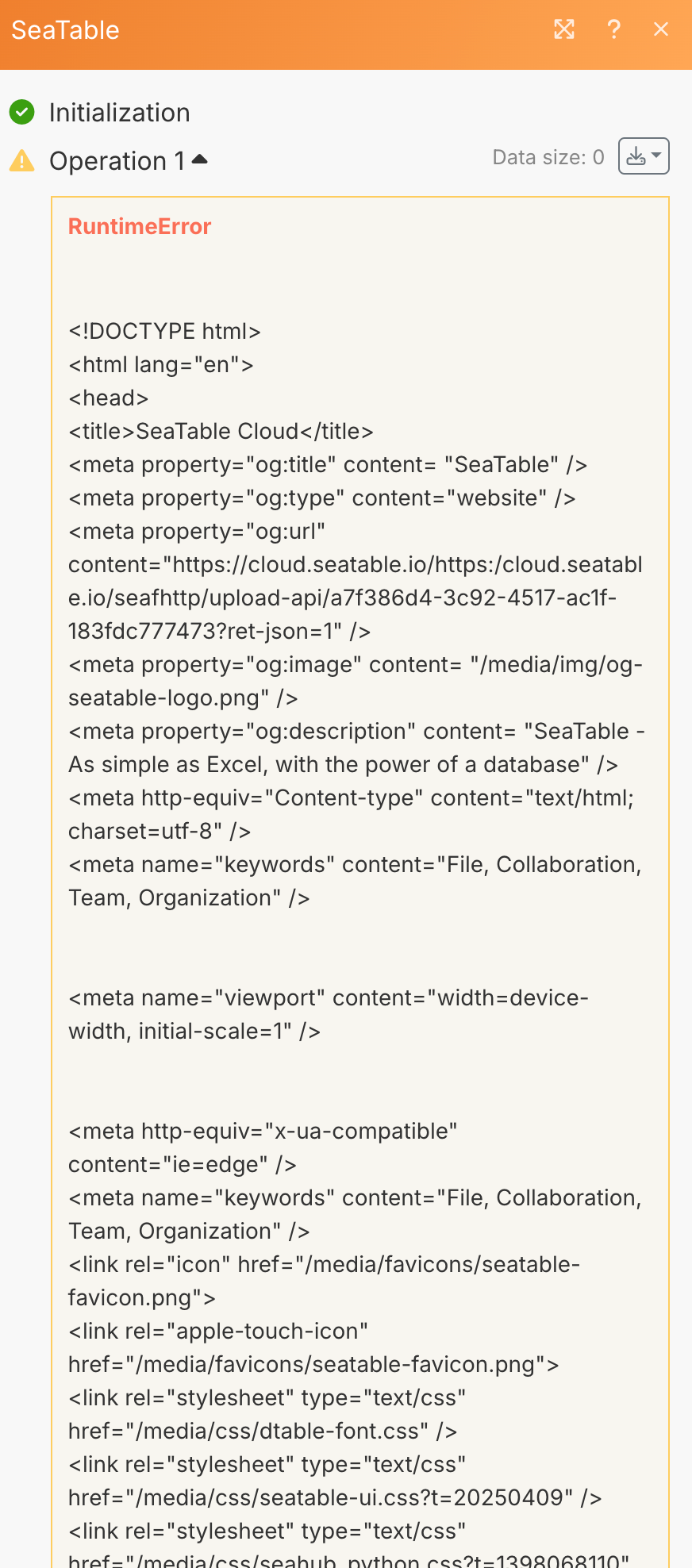
I just noticed today that the new SeaTable API connection I created no longer works but the original connection does. SO I had to revert back to the original to make it work. Could this be caused by changes you have made in the last couple of days, or is it just my bad luck?
I did yesterday morning a minor change to fix the problem of @mrkhngr, but this should not change existing SeaTable Make.com connections.
It is super difficult for me to explain or debug such a situation, mainly because make.com does not give any information about the version of your connection or modules.
I had the same problems after update to fix the seatable connection (watch the new rows) to email client due to this error:
“This endpoint is deprecated. Please migrate to the API Gateway: Important Changes to the SeaTable Cloud API in Version 5.3”.
I tried to fix it in the current scenario but it did not work so I deleted it today and created a new scenario with a new API key in seatablea and finally it is done !!!
Hi Christoph, everything is working as it should now. No stress. Thanks for your super-fast help.
Thank you @cdb the upload module is working again!
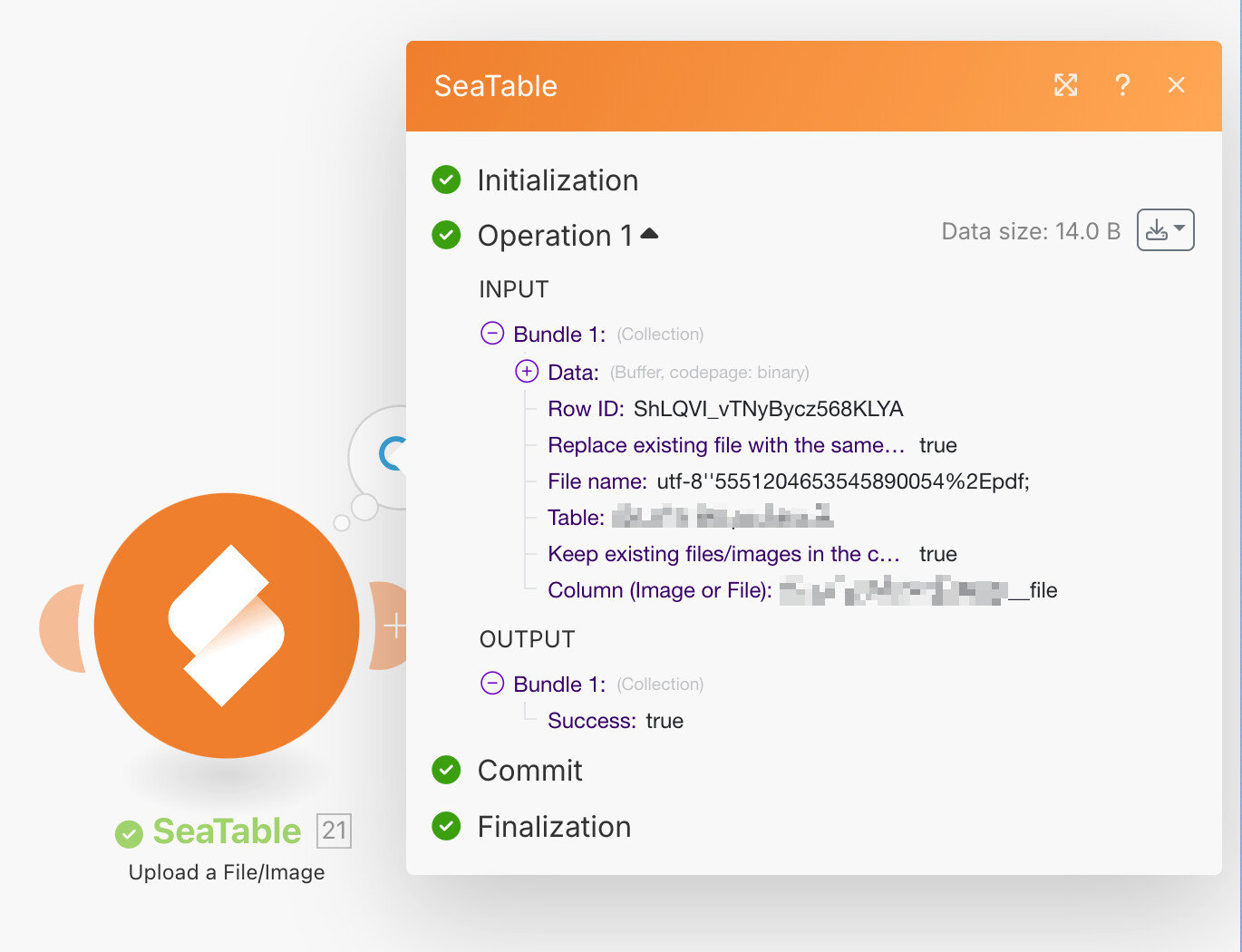
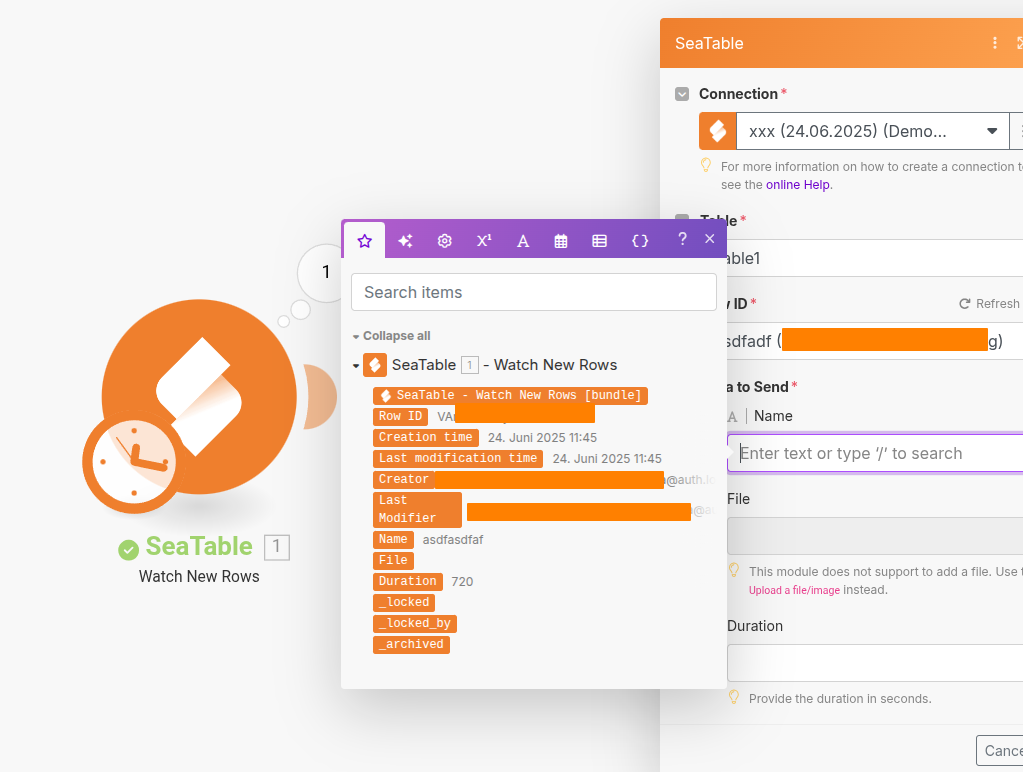
Hello, I had the same problem, that make.com said that “watch new rows” is “depreciated”, after deleting and re-insertig the module, I can reconnect to Seatable. But watch new rows only delivers some basic information, not my data (colums).
Had the “deprecated” issue again. I thought that all modules were “verified” but am getting the issue. I now need to rework all of them. Has something been changed again since Wednesday of last week?
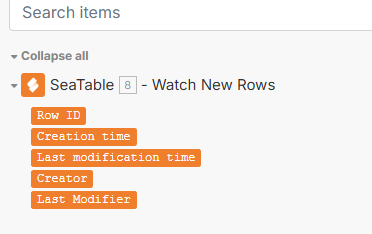
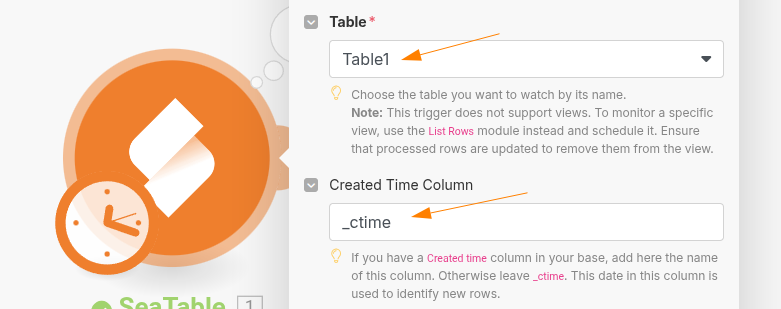
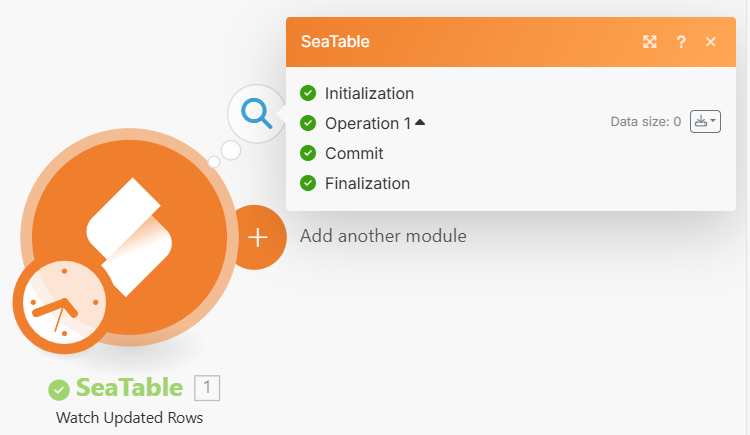
My problem already starts before execution. When I try to configure next steps in make (e.g. a router), I cannot select the existing columns. Only the standard ones (see my first screenshot above). I can access my base and select the desired table, but not the colums. Even if I execute just the SeaTable Watch New Rows (also tested Watch Updated Rows) the output has 0 kb.
Could it be, that make cannot handle different connections to Seatable? Due to testing I created new API-key and tried a new connection, but am not able to delete old ones. All connects seem to work, as I can select the table in the module…
Ich erhalte trotz Einsatz eines neu eingebunden Modus (Get Row) folgende Fehlermeldung:
“The operation failed with an error. This endpoint is deprecated. Please migrate to the API Gateway: Important Changes to the SeaTable Cloud API in Version 5.3”
Was kann ich tun?
@stvoigt76: this is the output, if there is no NEW row. Create a new row and execute again. Then you will get the output.
Sorry, but I don’t get it. If you use the SeaTable “verified” modules, then you always use the /api-gateway/ and then you don’t get the deprecated warnings.
