Your Setup:
- Tested in SeaTable Cloud 6.1, Self-hosted Enterprise 6.0.x and 6.1.x
- Tested in Brave, Edge and Firefox
Steps to reproduce:
A very specific setup, which happens surprisingly often:
-
Create a table A with a formatted text column
-
Fill the column of one record with fairly long text
-
Create a second table B with a link column linking to the first table A, create a record, and link that to the record with the formatted text in table A
-
Because you can’t select the formatted text to display in the link column, create a link formula column in B to show the content of the linked formatted text column. Table B will look like this:
-
Create an app with a table page of table B
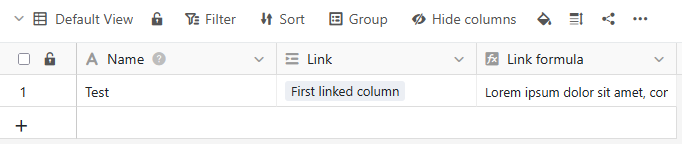
Undesired behaviour:
-
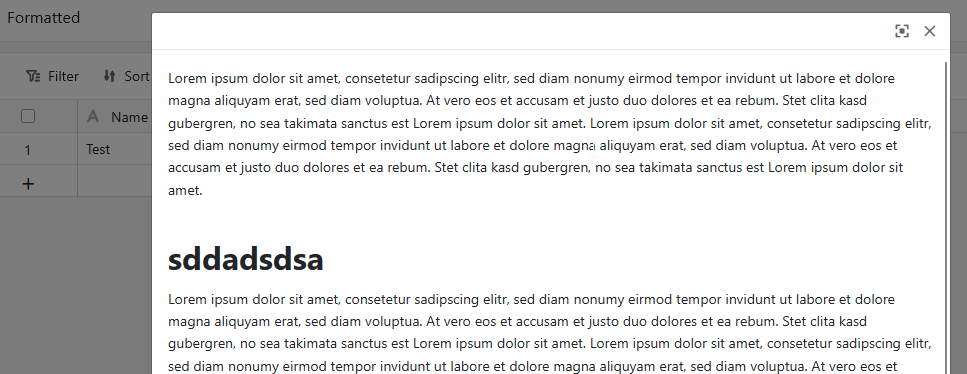
In the App, double-clicking on the link formula column of the table view gives you a nice, scrollable read-only view of the formatted text
 :
: -
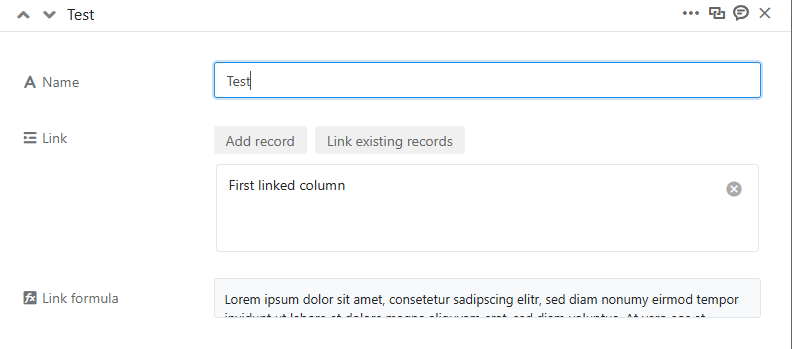
In the form view of the same record, the link formula field ist compressed to one line, while in the Seatable backend, the field shows the whole rich text (not shown here)

-
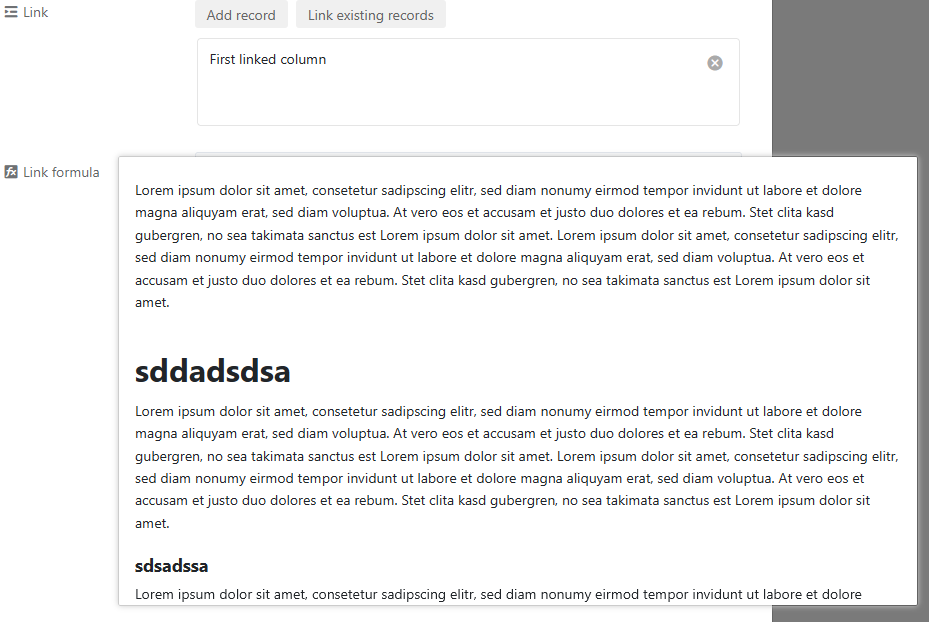
I’m not sure whether I like the space-saving compressed display in the App more than the full display of a (long) formatted text in the backend. What I definitely do not like is the fact that the mouse-over preview display of the formatted text does not have a scroll bar
, so we can only see the first part of a long formatted text:**
**
I mitigated this with the following custom css on our on-premise server, hoping that it will not have any negative side effects. The original overflow attribute value was “auto”.
.longtext-container-scroll {
    overflow: scroll !important;
}
Maybe it’s worth a general fix (@ppm)
