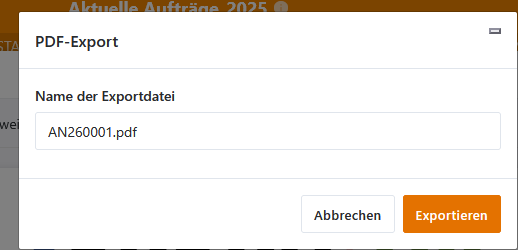
My Setup:
- SeaTable Self-hosted, enterprise edition
- SeaTable Version: 5.1.9
- Page designer version: 1.2.62
Describe the Problem/Error/Question:
With the page designer, I have successful created a template, which contains single data from a base as well as a table with selected columns. So far so good.
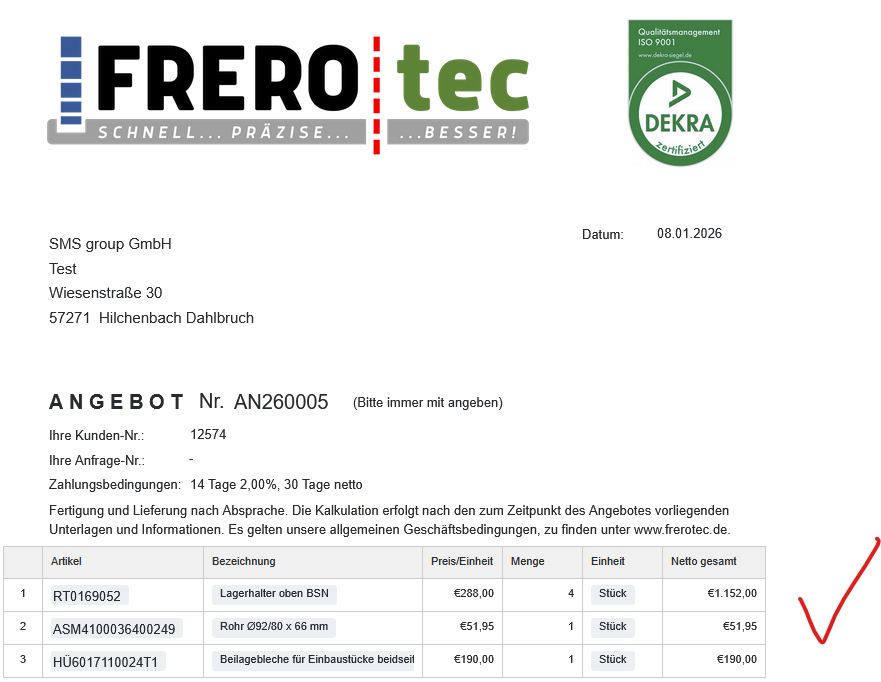
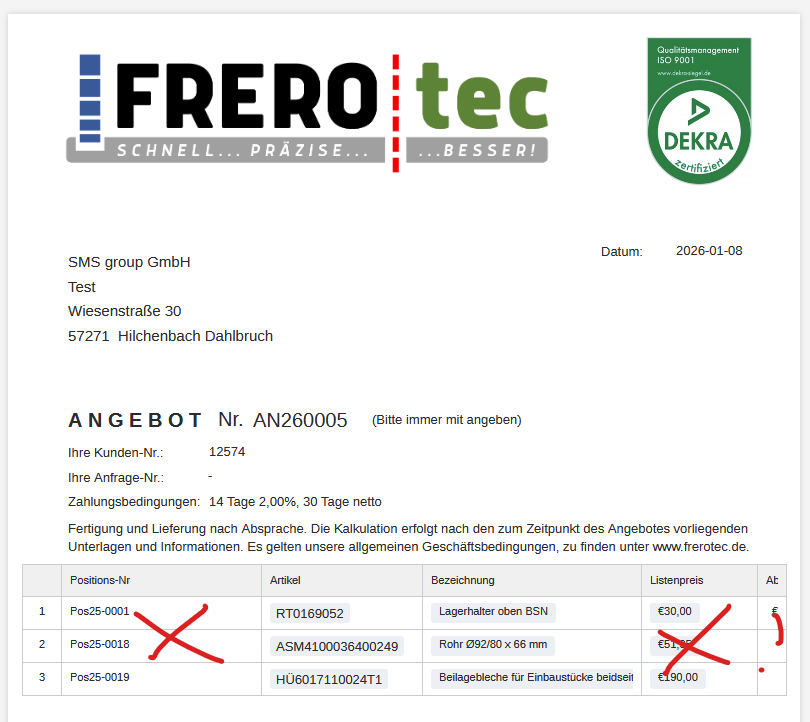
In the base, I use the feature “Save a PDF document by button in a column” to generate a pdf file.
The problem is that the generated pdf file doesn’t fill the table columns correctly. It just fills the data of all columns.
Error Messages:
No error message. It just doesn’t do what I want it to do.
By the way: the data format is also displayed incorrectly. I use “German /Russian” format which is 08.01.2026 but it generates the pdf date as 2026-01-08.
Last not least: If I want to export the pdf in the page designer, it displays “error”.