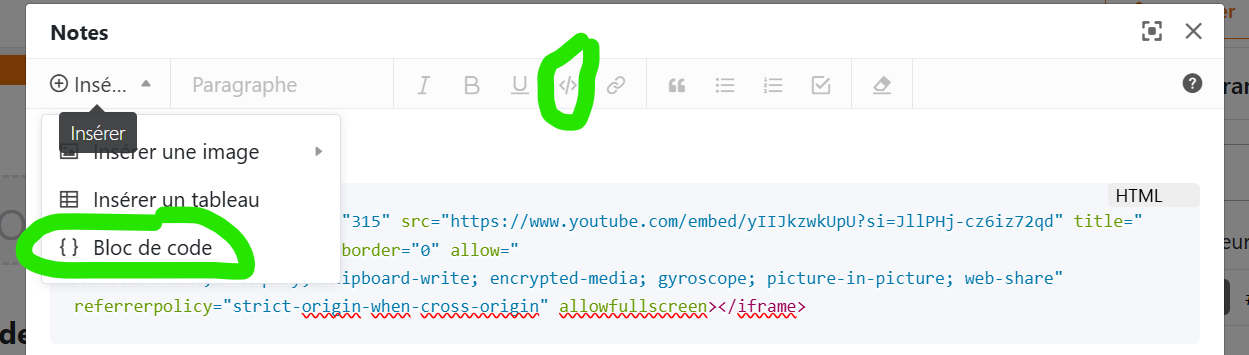
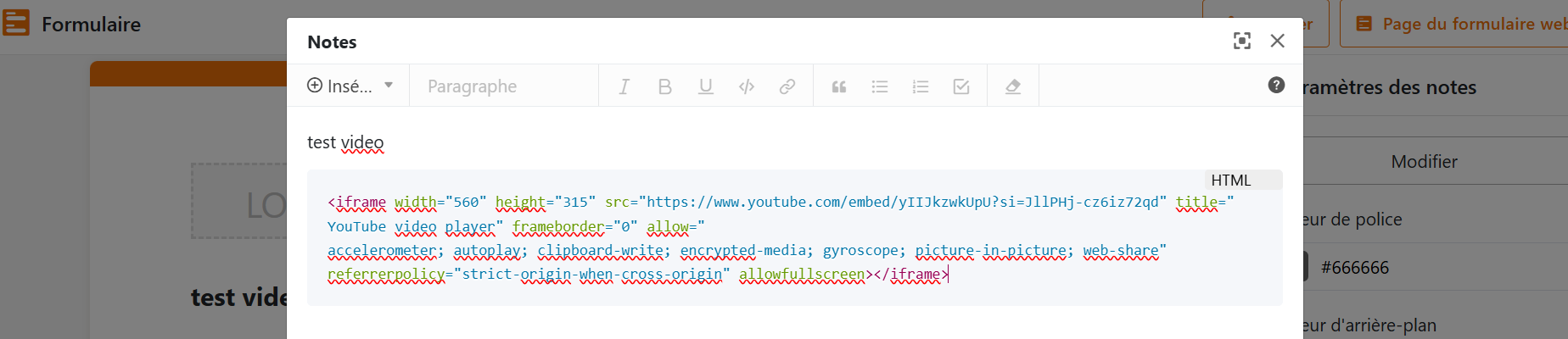
I see in the webforms that we can insert a bloc of code, I would like to embed a Youtube video.
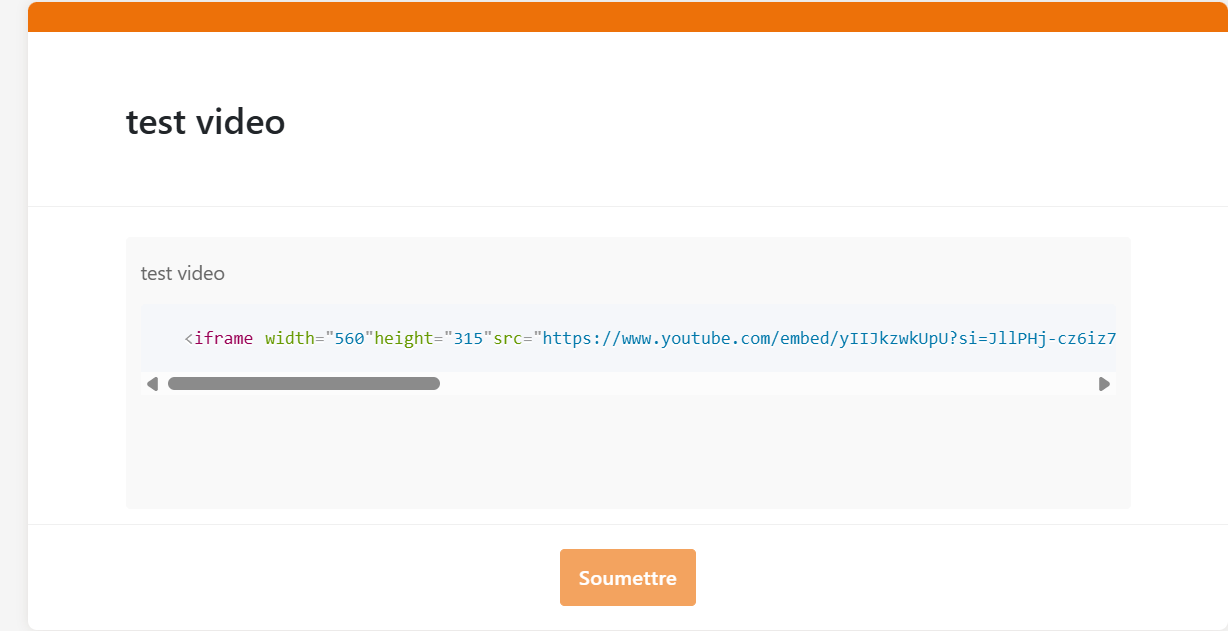
But when I click on “insert” and copy paste the code for the video, or click on the icon to insert code, it doesn’t show up as the video in the form (see screen captures below).
Is it normal, is there something different I should do?
Unfortunately this is not what the Insert / Code block is intended for… This only allows you to dispay a block of text formatted as code (coloured background + console font). So as far as I know, there’s actually no way of embedding a video in webforms.
The best I can think of is displaying a thumbnail of the video ( Insert / Insert image / Insert network image / URL https://img.youtube.com/vi/yIIJkzwkUpU/default.jpg in your case, more generally https://img.youtube.com/vi/<insert-youtube-video-id-here>/default.jpg ) and right below a link with address https://youtu.be/yIIJkzwkUpU and title ‘Regarder la vidéo’ for example.
Hope this helps…
Bests,
Benjamin
Do it like thousands of other people who have used SeaTable to develop powerful processes and get their ideas and tasks done more efficiently.

 ),
),