Your Setup:
- SeaTable Enterprise self-hosted 6.0.10
Describe the Question:
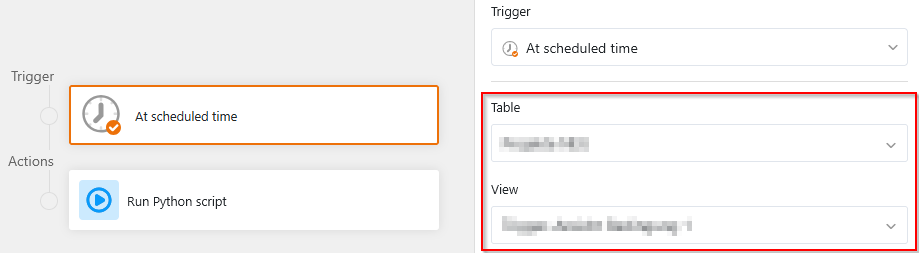
I’m running a python script from a time-based automation every night. Everything in the script (View Name, Table name) is hard-coded, which limits how often I can re-use the script. That is just an efficiency problem. On the other hand, according to Context - SeaTable Developer Manual , context.current_table is populated, but current_row is not.
Can someone quickly clarify the current behaviour? Specifically:
-
Does “
context.current_table“ come from the setting of the automation?- If it isn’t, where does the table name it come from? Is it reliable in a automation context?
- If it is, is there a way to access the name of the view which the automation is running on as well?
-
Am I right in assuming that the script runs only once, and needs to iterate over all the entries in the view? That’s why
context.current_rowis not set?
I’m trying to run python scripts with as little as possible guesswork about the context they have been started in.
