We are pleased to introduce version 7.0 of our no-code platform, SeaTable.
SeaTable Cloud was updated this morning. The Docker image for SeaTable Server can be downloaded from the well-known Docker Hub repository. We recommend that all SeaTable Server administrators update to version 7.0 soon.
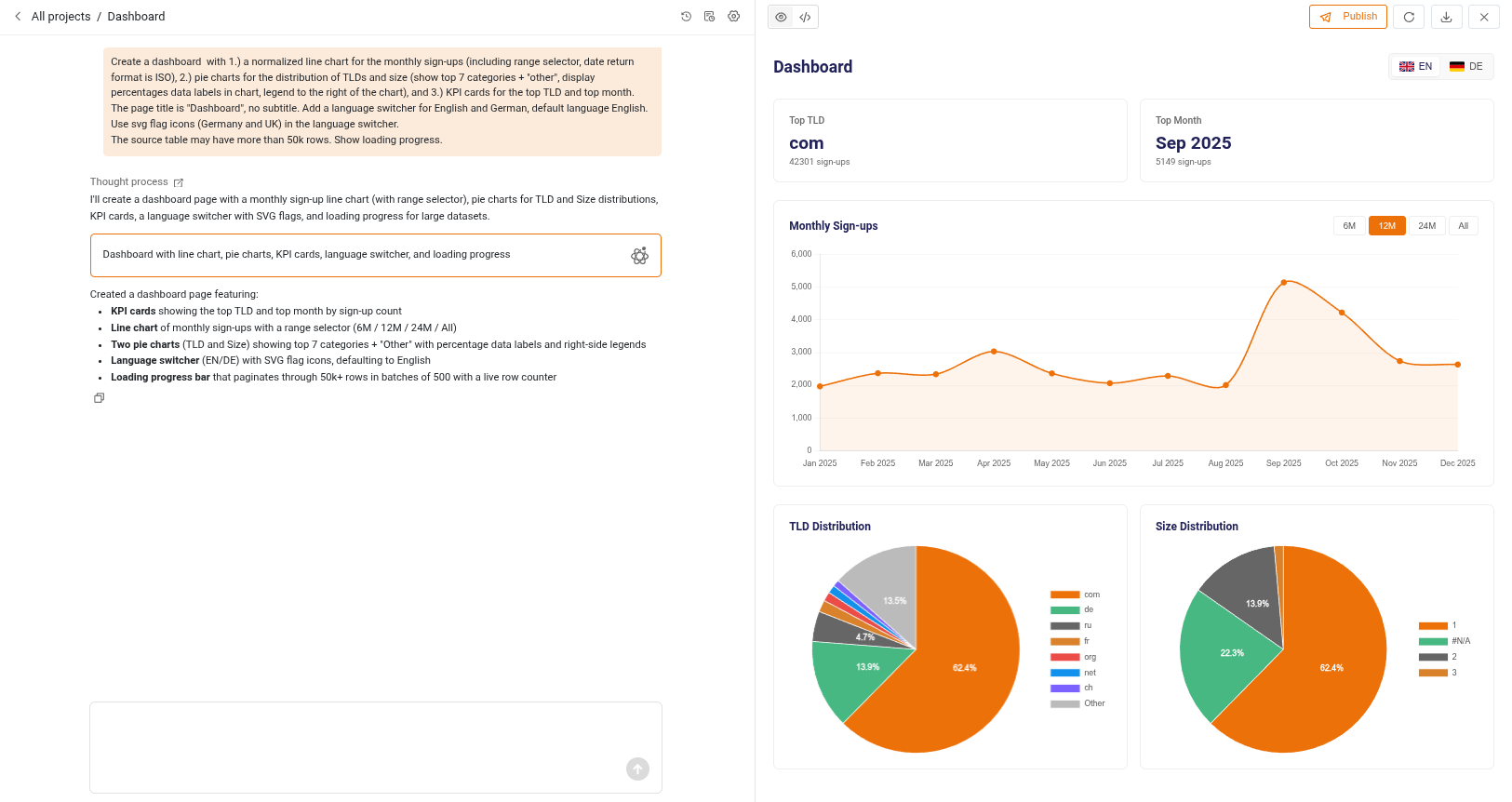
SeaTable 7.0 is all about AI. Describe a page in natural language, and the App Builder generates it as an HTML page. The AI Chat plugin is now out of beta and lets you create records, change values, or analyze data in English, German, French, Spanish, and many other languages.
We have also upgraded our AI infrastructure. We have replaced the Gemma 4 LLM with a more powerful Qwen 3.8 27B multimodal AI model, operated by our infrastructure partner Exoscale, which also hosts the servers of SeaTable Cloud. Self-hosters can connect their SeaTable Server instance to any LLM – hosted or self-hosted – that supports an OpenAI-compatible endpoint.
More highlights:
Enhanced SDK for HTML pages: Build even more powerful HTML pages.
Two new automation actions: Automatically create and update linked records.
Two improved automation actions: Generate PDF documents in any automation rule with a row context; create, modify, and delete events in your Google Calendar automatically.
Improved webforms: Add a progress bar to multi-page webforms and form pages in the app.
You can find the release notes for the new version on the SeaTable Blog. The complete list of changes is – as always – available in the changelog.
we (me and claude) upgraded our self-hosted instancefrom 6.2.12 to 7.0.13 today. The upgrade itself worked, but we needed three pins in .env to get everything running. Posting in case others see the same – and happy to be corrected if we misread the docs.
1.python-pipeline.yml references seatable-python-scheduler:7.0.1, which docker compose pull cannot find (manifest unknown); 7.0.0exists. Pinned PYTHON_SCHEDULER_IMAGE to 7.0.0.
2.seatable-automation-worker.yml defaults to seatable/custom-app-server:7.0.13. With that image the container just runs the HTML server (waitress: Serving on :8088) and no automation tasks are consumed – they queue up in Redis, no entries in the base’s automation log. With SEATABLE_AUTOMATION_WORKER_IMAGE='seatable/automation-worker:7.0.13' the log shows 5 automation worker start and rules run. Is custom-app-server meant to run in worker mode via a switch we overlooked? (Side note: if python-pipeline.yml precedes seatable-automation-worker.yml in COMPOSE_FILE, the worker gets ENABLE_PYTHON_SCRIPT=false; setting it in .env fixes that.)
3.caddy-docker-proxy:2.13.1-alpine returned 503 for everything; its log showed Failed to get ingress networks: ParseAddr("fd36:…::1/64") and “Container is not in same network as caddy”. Pinning IMAGE_CADDY to 2.12.0-alpine fixed it. Probably an upstream caddy-docker-proxy issue with IPv6 gateways, but it’s the new default.