When i got to the site via the dns i get to 308 - to many redirects.
I have a feeling that caddy is causing this or something with the nginx conf needs to be changed. I am not very familiar with docker so this is confusing me.
I tried to remove the caddy.yml and then get an infinite loop when i run docker compose up -d.
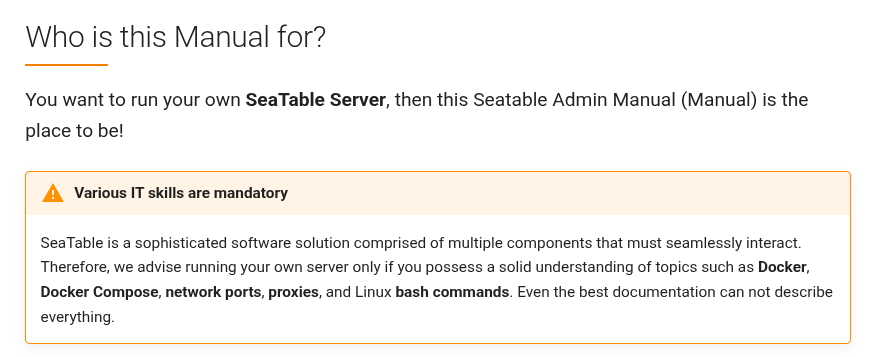
If you’re not yet familiar with Docker, it might be challenging to set up and maintain your own SeaTable server. I’d recommend starting with the official setup instructions before attempting a custom configuration.
The issue is that, since you’re not yet familiar with Docker, providing support becomes difficult. My clear recommendation would be to either use the Cloud version or first gain more experience with Docker before running your own setup.
I ended up walking away for a bit. I will be revisiting this in a few days. I will focus on keeping it local until i have the comfort level with docker. Thank you for the response.
Do it like thousands of other people who have used SeaTable to develop powerful processes and get their ideas and tasks done more efficiently.