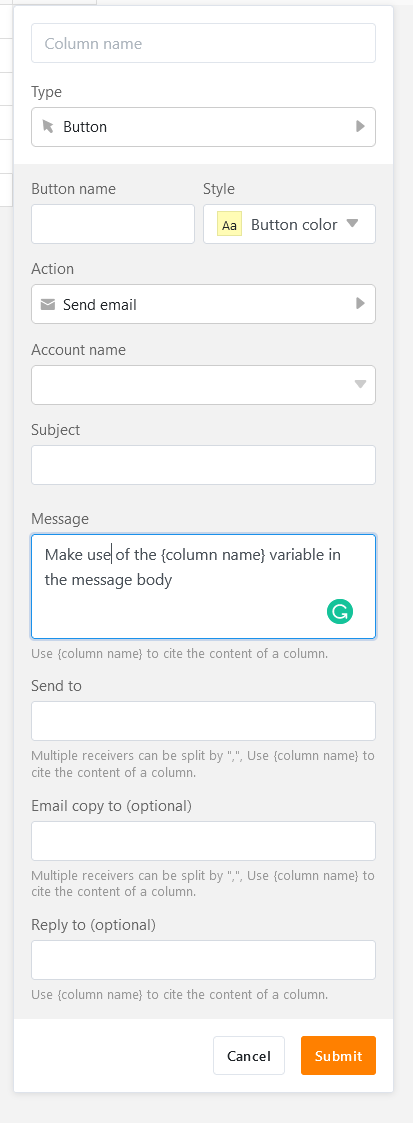
I noticed that there are two options in SeaTable to send an Email: Frist you can use the Email Column field that creates a small Mailbutton next to the email adress. The content of the mail is emty.
The second option is the native Email function that creates a whole button. The content can be set, but when I press the button the email will be send without a preview or further customizing options.
My problem is that I would like to create an email with a specific (predefined) content, where I can edit the email once again before sending. Is there any solution to this?
Here’s a workaround: Rather than using a static message template in the button column, you can compose your message by citing multiple text columns using the {column name} variable. Each text column is kind of a text block. This means, when you want to edit a message, you modify the corresponding text column. The message is then sent directly from SeaTable.
Extra hint: If you define default values for the text column cited in your message, you don’t have to manually populate these columns when no individual edits are required.
Do it like thousands of other people who have used SeaTable to develop powerful processes and get their ideas and tasks done more efficiently.