Here’s a workaround: Rather than using a static message template in the button column, you can compose your message by citing multiple text columns using the {column name} variable. Each text column is kind of a text block. This means, when you want to edit a message, you modify the corresponding text column. The message is then sent directly from SeaTable.
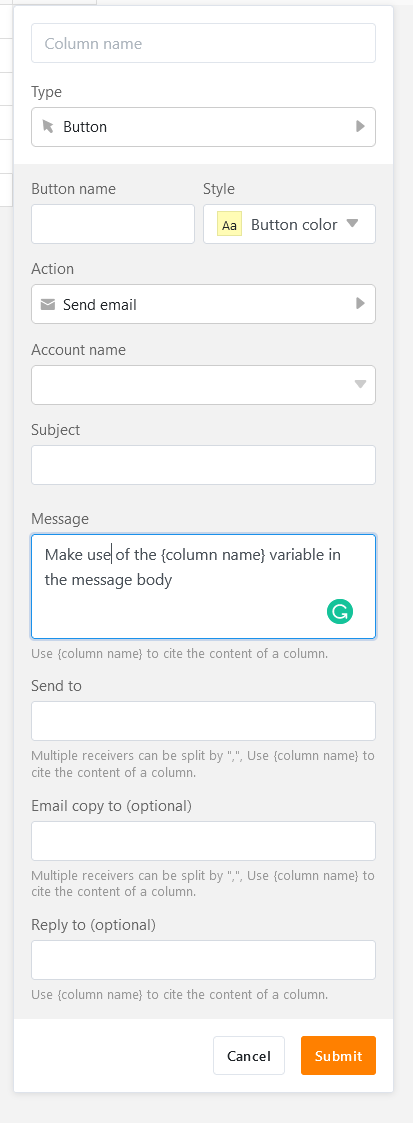
Extra hint: If you define default values for the text column cited in your message, you don’t have to manually populate these columns when no individual edits are required.
