Your Setup:
- SeaTable Cloud (free)
Describe the Question:
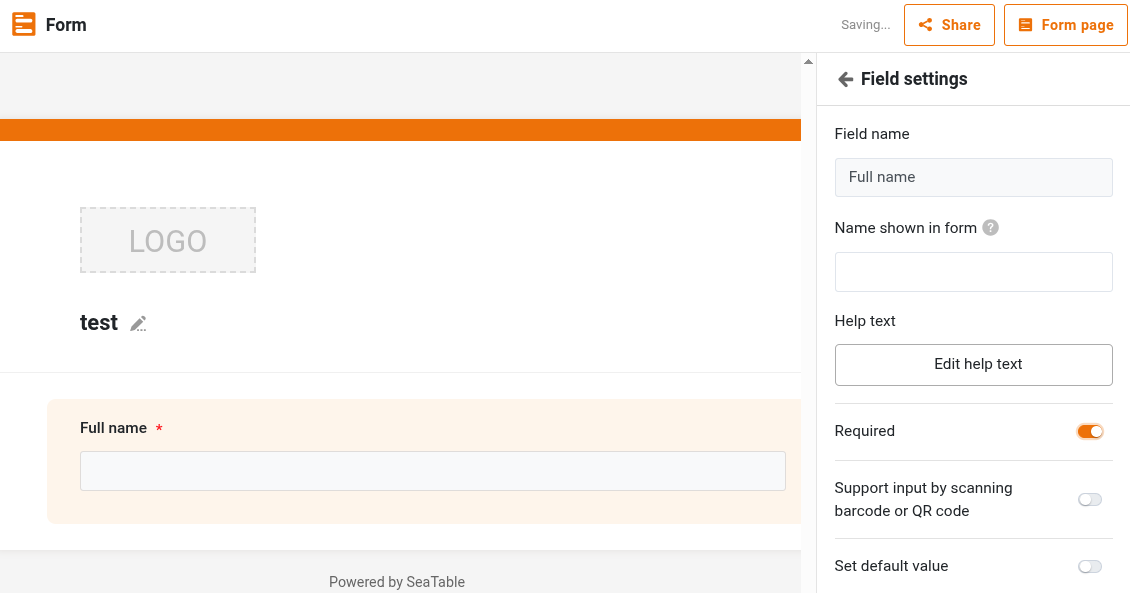
Is it possible to set a column as required? So that when a user adds a new record, it will not save unless that specific columns has been filled in?
Thank you for the answer
Indeed, we would need the option in table view.
Is the feature planned by any chance?
Not a priority topic. Sorry.
Hi @fpiovesan,
In the meantime, here are a few things you can do to get relatively close to a resuired behaviour:
Of course, it won’t actually disable entering a row without the column being filled, but it could give people a pretty clear advice that something’s wrong…
Bests,
Benjamin
Bests,
Benjamin
I had quite some success with a few solutions:

Do it like thousands of other people who have used SeaTable to develop powerful processes and get their ideas and tasks done more efficiently.