Your Setup:
- SeaTable Cloud
Describe the Problem/Error/Question:
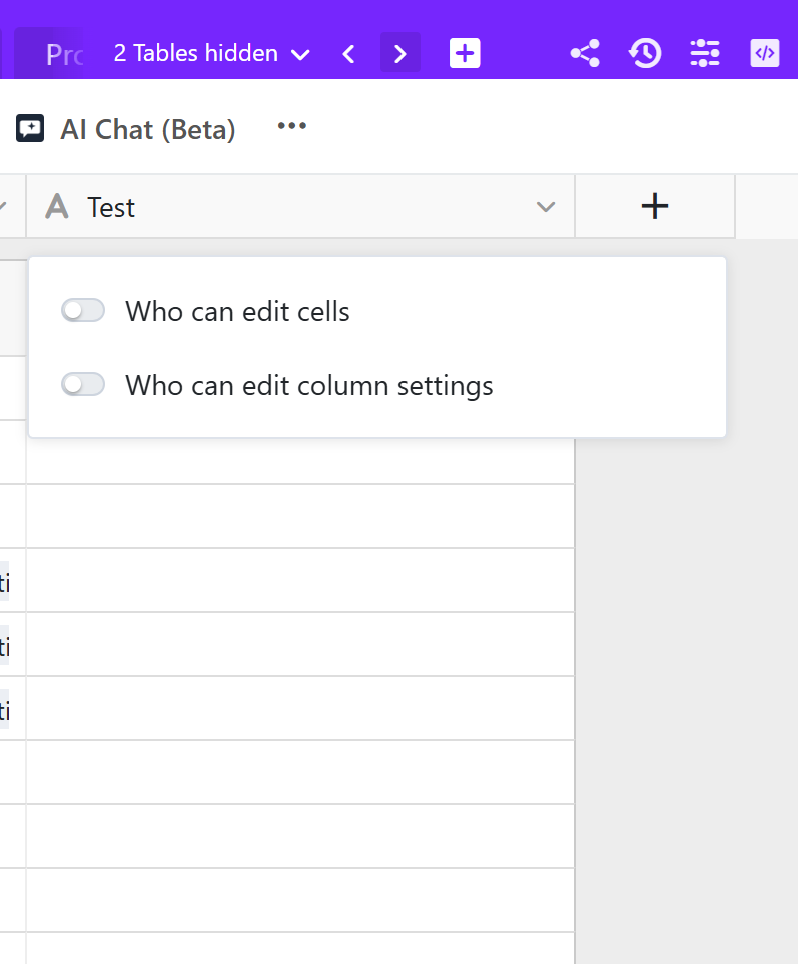
I see there are already column level permissions for a column in a base to decide who can edit cells or column settings.
Are there any plans to add Who can view the column?
This is not planned. But it is not necessary either from my point of view.
Option 1: You can create a view and hide the relevant column from the view. You can then go ahead and share this specific view with other users.
Option 2: You can create an app and hide the relevant column.
I think neither option really works in our case because the team have base access. So if I create a view and hide the column, they still have access to the main table, so can still see it.
Also if i create an app and just show the relevant columns, they still have base access.
Actually i’ve reaslised that i was adding all users to my company group which meant they automatically got access to all bases. I’ve taken it out and now it seems that i can add them to an app but not to the base. So this may be the solution to the issue i have…
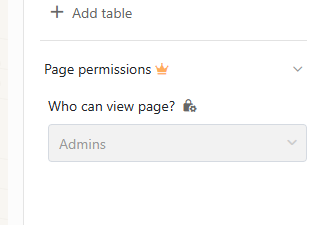
ok, so this doesn’t work either. Because a HTML page can only be accessed via Admins unless you have the enterprise subscription. and i have some APP pages that have to be HTML.
When you add a user to an App, they can only have the default role. So i’m blocked every way.
Exactly, this is the idea. Only a few people - the admins - have access to the base and a much larger number of people - the users - access the data via the app.
In other words, you have this dichotomy: Base = backend; app = frontend.
This is not correct.
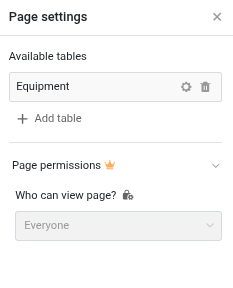
Below the page settings of an HTML page for a user with a Free subscription. (It looks the same for a user in a Plus team.)
You cannot modify the page permissions. But the default page permission is “Who can view page?” = Everyone.
Is it possible that you have set the page permission to “Admins only” while you were on the Enterprise plan/Enterprise trial?
I upgraded your team to Enterprise. Please update the page permissions.
You team will be downgraded to Plus by end of day, Friday, August 28.
Thank you. I have changed it now.
OK. I downgraded your team back to Plus.
One last thing: We are happy to see the new HTML page type catching on. But the HTML page ought not to be the page type of choice. It should be use exclusively for pages for which none of the no-code page types work. The reason is simple: We make sure that the no-code page types work. We cannot guarantee the same for HTML pages.

Do it like thousands of other people who have used SeaTable to develop powerful processes and get their ideas and tasks done more efficiently.