Using Seatable Cloud, I have a problem that seems to be a bug.
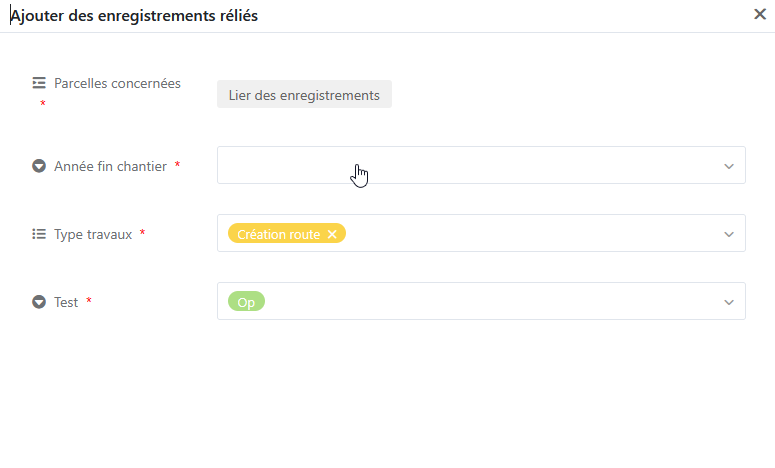
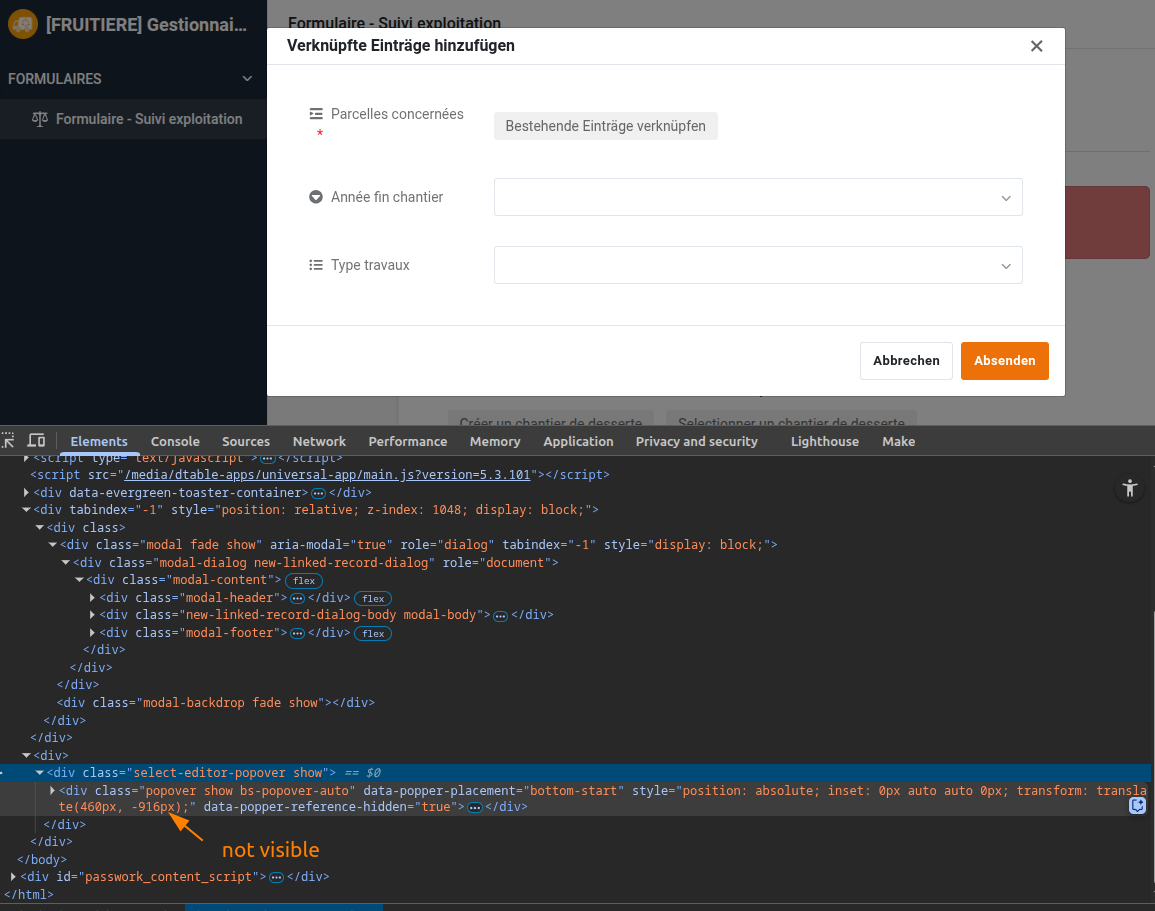
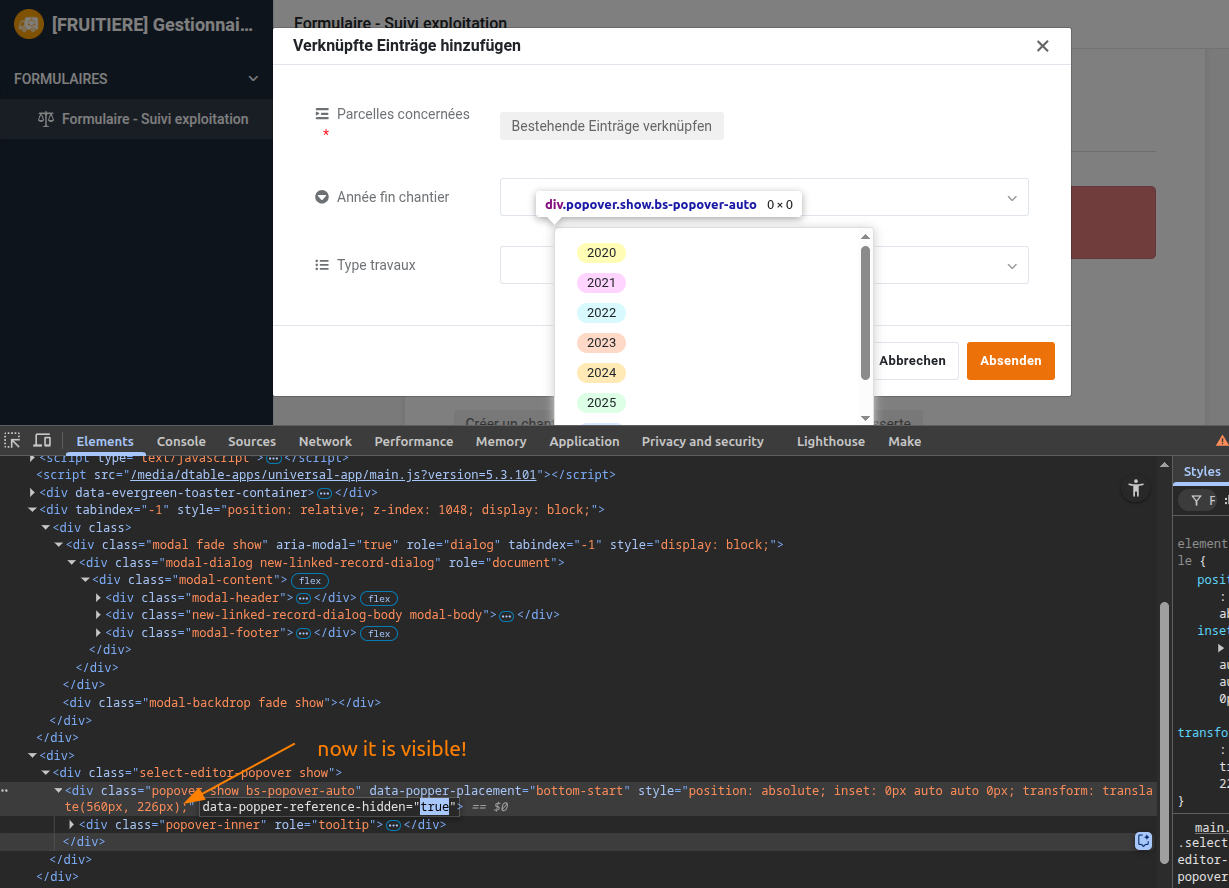
In one of my forms, I can’t see options of a single select column in the “Add and link new records option” menu of a linked table . In the same menu, it works for an other single select column, also for a multiple selection column. As you can see below, only the first single select field doesn’t allow to show options.
@fleprince just checking, because that was the reason why I recently couldn’t see any options in a single select. Apart from that, I have no further clue what’s happening in your base. Sorry!
can you please generate an invite link to this base and send it to support@seatable.io?
In addition, can you please tell which form this is? SeaTable has so many forms and it is difficult - even for me - to determine where this view is from.
I maybe have the same issue in one of my bases. The single select is shown in the base, but not in the app. In the app you can not select the status anymore, but nothing is visible.
The issue is reported and will be fixed with one of the next versions.
Until that, the only possible fix is to reduce the length of your form. I am sorry.