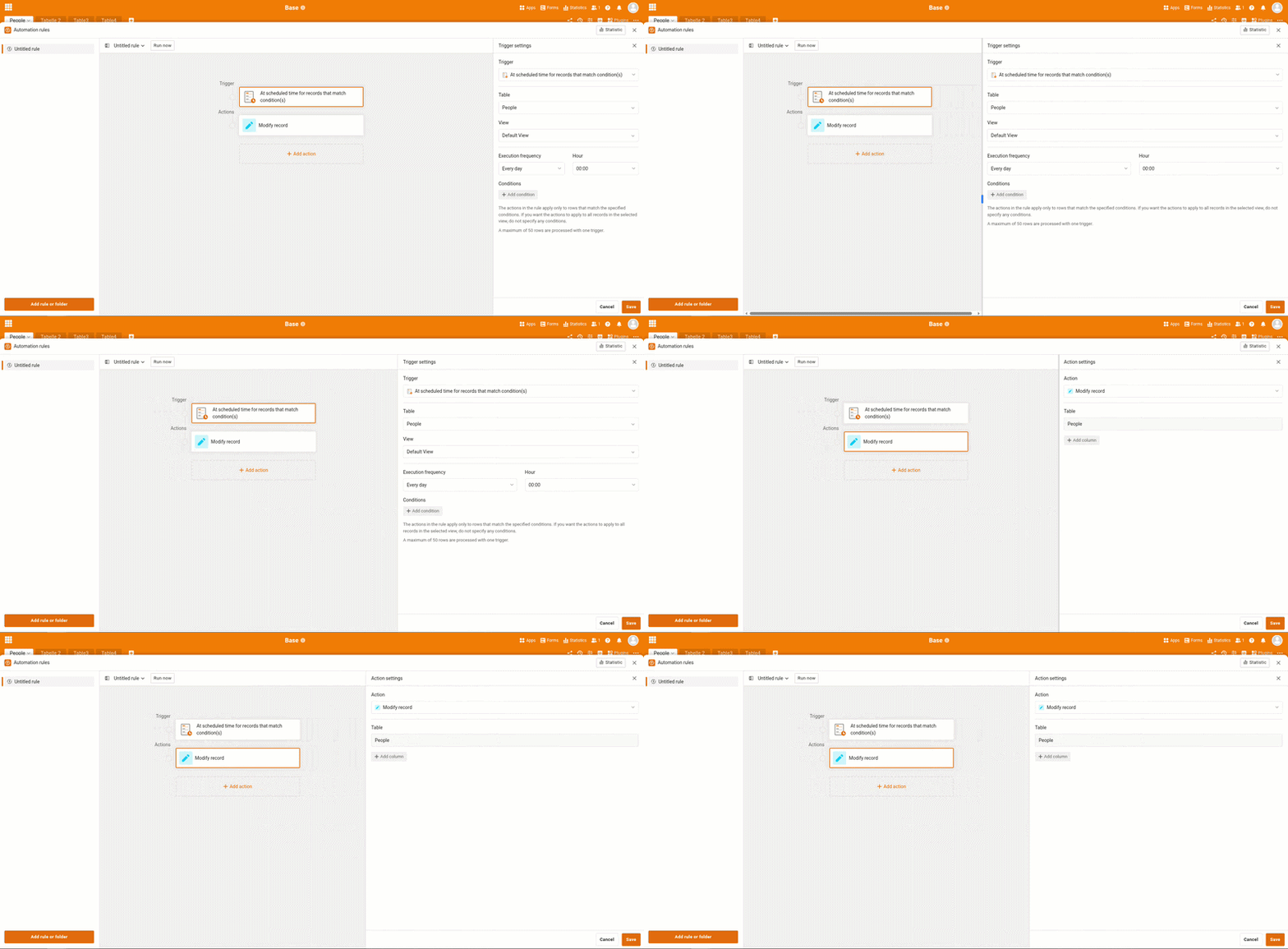
Hi, this issue was initially discussed here: Can't enter number of days in automation rule and the discussion was closed as the apparent temporary fix is to switch from German to English.
I did do this but it is still causing problems. The option “number of days from now” causes the box to disappear off-screen.
Hi Donal,
Sorry to hear that is problem is still blocking you. Another really dirty workaround for now if you’re not afraid of getting your hands a bit dirty:
Open the rule editor (the window where you can’t access the field you need to modify)
Open the Firefox web console using Cmd + Option + K (Firefox Developer Tools (macOS))
In the console, copy-paste this code and hit enter
=> the window should be a bit wider. Please note that this modification is not lasting at all: if you close the window or refresh the page and re-open it, it will be narrow again and you’ll have to redo it. Therefore, if after executing the command the automation rules editor window is no longer usable (too narrow, too wide, etc.), simply refresh the page and it will be at its normal size the next time you open it.
Has I told, pretty dirty
Bests,
Benjamin
PS: Please note that I don’t have a macOS machine available, so I was only able to test this procedure running Firefox on Linux.