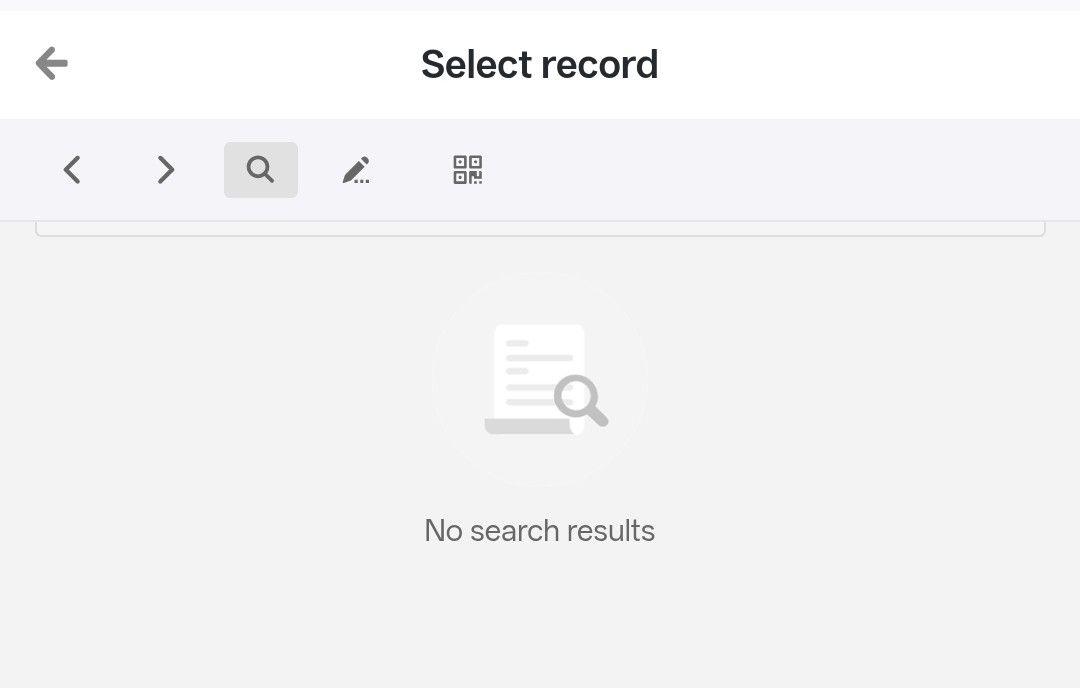
Hello, I’m using a SeaTable Universal App with a Single Record page, designed to view visit data. I’ve encountered a problem when using it on an Android smartphone: when I tap the magnifying glass icon in the top bar, the message “No search result” appears, but the search field isn’t displayed. Consequently, I can’t perform a search. The behavior is different from that seen on a PC: the search works correctly. Even on Android, by activating “Desktop Site” mode in the browser, the search field is accessible again and the functionality works normally. The problem therefore appears to be related to the mobile view of the Universal App, rather than the data or search configuration. Please verify the issue and indicate whether this is a known bug or whether there is a workaround to make the search usable in the normal mobile view as well. Thank you for your attention and kind regards.
However, I have some good news: This bug is already fixed in the version that is currently in development (v7.0) 
Thank you for your quick response and the good news.
Bye
Maurizio
